



















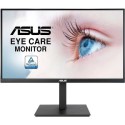

Excellent cosmetic condition - looks like new and saves you money.


Save money
Enjoy significant savings without compromising on quality.

Reduce waste
Reduce electronic waste and lower your carbon footprint.

Extensively Tested
Every refurbished device is rigorously tested and repaired by certified technicians.

Warranty included
This device is protected with a warranty covering both parts and labour.
Designed for multitasking
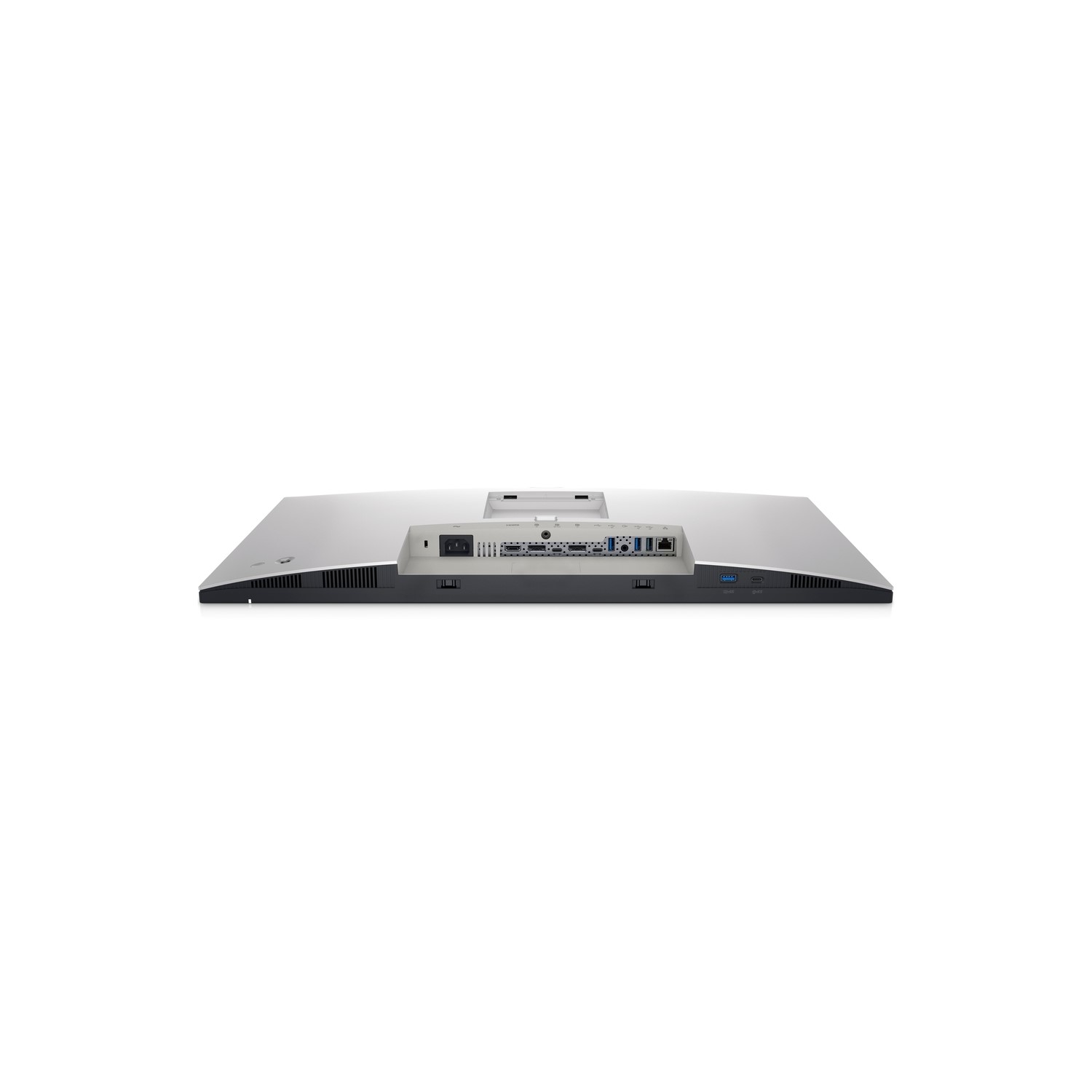
Multitask efficiently: Connect two PC sources to the monitor. Our intelligent Auto KVM feature detects the second connected PC and seamlessly switches controls over. View content from both PC sources with Picture-by-Picture (PbP) and Picture-in-Picture (PiP).
The perfect fit for any space
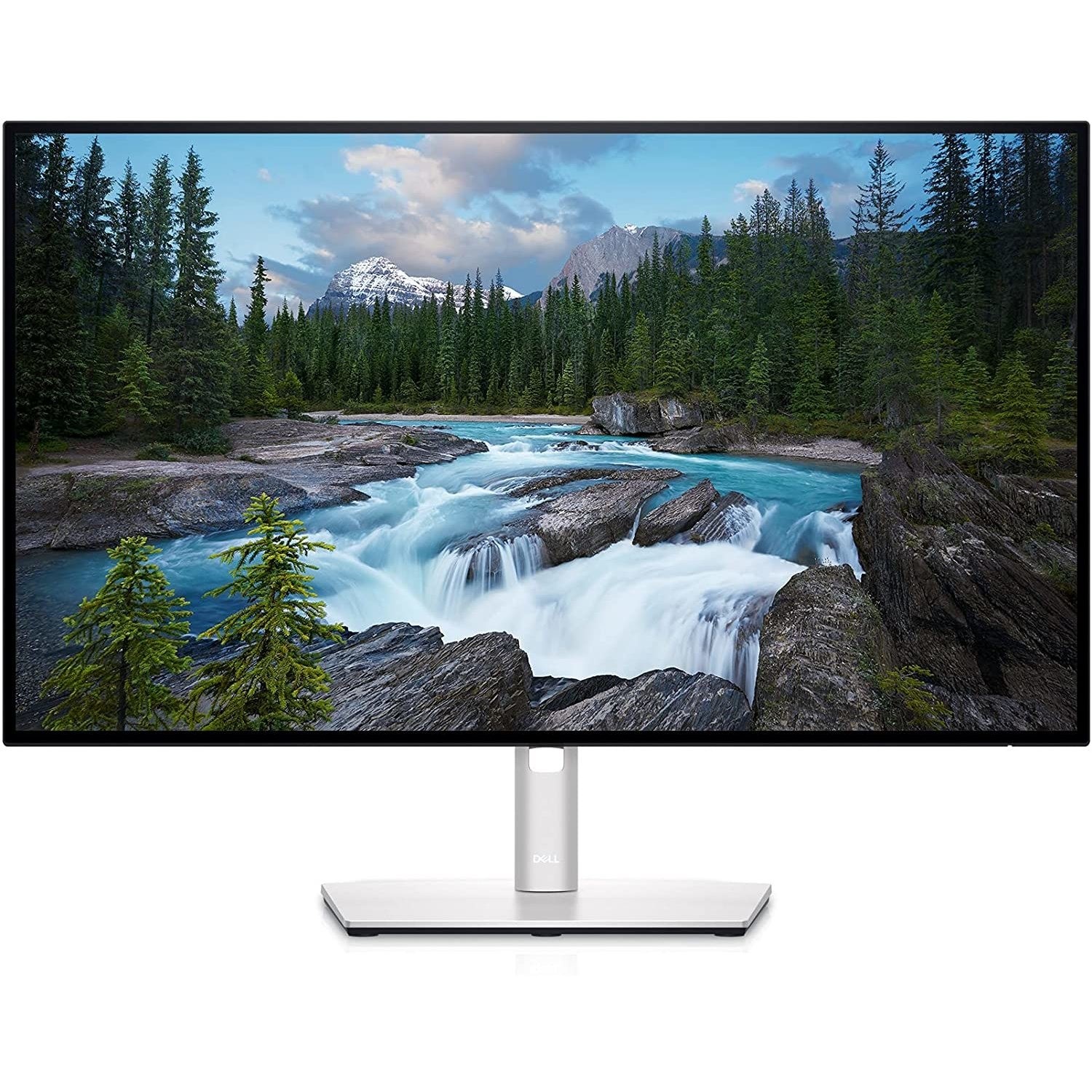
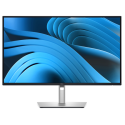
Style meets function: Crafted with premium platinum silver finish, the U2722DE comes with a small base and an improved cable management design that hides cables in the monitor riser for a clutter free desk space. Navigate and adjust your monitor screen settings with the easy-to-use joystick control.
Moves with you: Adjust to your comfort with tilt, swivel, pivot and height adjustments to a maximum of 150mm for optimal viewing comfort.
Green thinking: for today and tomorrow
Environmental standards: This monitor is made of 85% PCR (Post-consumer Recyclable Plastic), meets the latest environmental standards such as ENERGY STAR and TCO Certified Edge, and is EPEAT Gold registered.
Eco-conscious packaging: To reduce our manufacturing impact on the environment, this monitor is shipped Styrofoam-free and the packaging is made of at least 75% recycled cardboard.
Energy conservation: Save energy when your monitor is not in use with PowerNap, a feature that dims or puts your monitor to sleep when it’s not in use.
Dell Display Manager
Productive at every level: Easy Arrange allows you to easily tile multiple applications across one or more screens with 38 pre-set window partitions and the ability to personalize up to five windows, giving you improved multitasking abilities.
Seamless transitions: The auto-restore feature remembers where you left off, so applications will go back to where you left them, even after you’ve unplugged.
More ways to manage: Asset management reports allow IT managers to quickly capture and track monitor information as well as configure multiple monitors at once through a single setup.
The key to convenience: Shortcut keys can save you even more time, letting you easily configure your display management settings so you can get to work faster.
Expanded compatibility: With support for multiple operating systems, Dell Display Manager helps you stay productive however you work.

