








Get sales advice from our team 7 days a week
0871 244 0934M.2 drives offer fast access to files in a slim design that fits straight onto a compatible motherboard. They’re ideal for quicker start-ups, shorter game load times and moving large files. Compare capacity, read and write speeds, PCIe generation and device support to find the right drive for your setup. Upgrade your storage and give your laptop, desktop or console more room to work.


Up to 12 Months 0% Credit

Up to 12 Months 0% Credit


Up to 12 Months 0% Credit


Up to 12 Months 0% Credit

Up to 12 Months 0% Credit

Up to 12 Months 0% Credit


Up to 12 Months 0% Credit

Up to 12 Months 0% Credit

Up to 12 Months 0% Credit
Up to 12 Months 0% Credit
Up to 12 Months 0% Credit

Up to 12 Months 0% Credit

Up to 12 Months 0% Credit

Up to 12 Months 0% Credit
Up to 12 Months 0% Credit

Up to 12 Months 0% Credit

Up to 12 Months 0% Credit

Up to 12 Months 0% Credit

Up to 12 Months 0% Credit
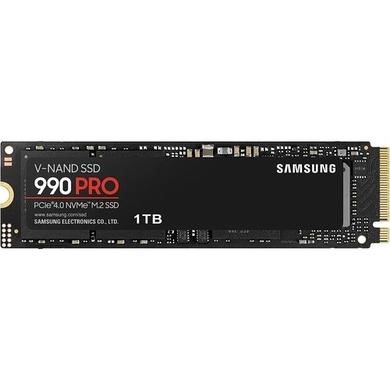
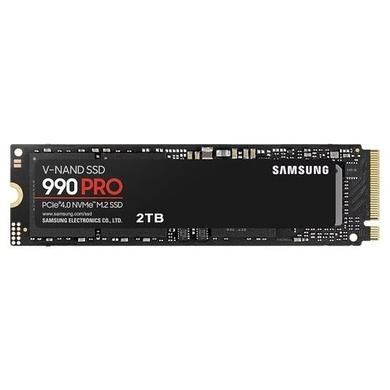
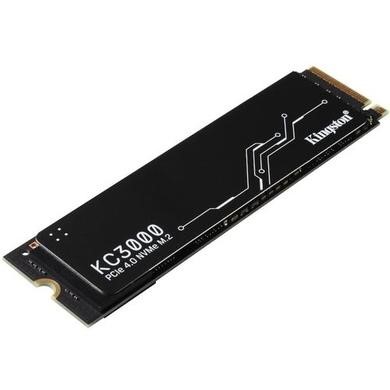
An M.2 SSD is a slim solid-state drive that fits into a compatible M.2 slot. M.2 describes the drive’s size and shape, not its speed. Some older models use SATA, while an M.2 NVMe SSD connects through PCIe and can offer much faster data transfer. M.2 2280 is a common size, but your laptop or motherboard may support something different. Check the device manual for the right size, key type and interface before ordering.
Look at capacity and speed together. A smaller drive may suit Windows, apps and light everyday use. Larger drives give games, photos and videos more breathing room. NVMe performance also depends on the PCIe generation supported by your device. A newer drive can work below its full rated speed when the system uses an older PCIe connection. For gaming or regular large file transfers, a faster model can make more sense. For simple storage, extra capacity may offer more value.
If you’re looking for an M.2 SSD PS5 upgrade, compatibility matters more than headline speed alone. Sony specifies a PCIe Gen4 x4 NVMe drive with 250GB to 8TB of storage. It recommends sequential read speeds of 5,500MB/s or faster. The drive also needs effective heat dissipation, such as a heatsink, and it must fit within the console’s size limits. SATA-based M.2 drives aren’t supported, so check the full specification before you buy.



