








Get sales advice from our team 7 days a week
0871 244 0934Choosing the right technology helps businesses balance dependable performance with significant cost saving. This guide details the features that provide long-term value, simplify IT management, and help your budget go further.
A high-quality monitor directly affects staff productivity and comfort. When selecting screens, look for features that reduce desk clutter and improve the user experience.
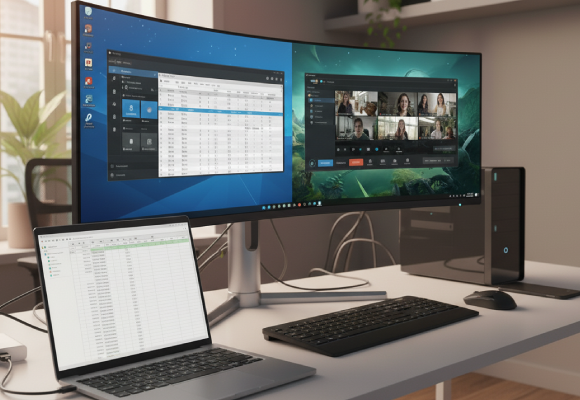
This is a key cost saving feature. A KVM smart switch allows one set of peripherals to control two different PCs. This saves the cost of buying duplicate accessories for employees who use both a desktop and a laptop, keeping workspaces tidy.
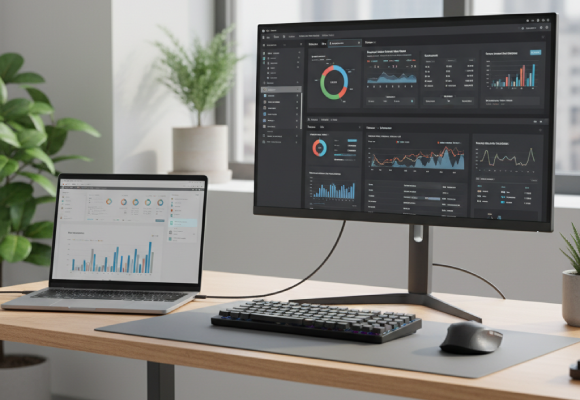
Monitors with USB-C inputs can transmit video, data, and power to a compatible laptop over a single cable. This removes the need to buy and manage separate docking stations, simplifying hot-desking and remote setups while reducing overall accessory costs.

Prolonged screen use can cause eye strain. Monitors with built-in blue light reduction and flicker-free panels help staff work more comfortably for longer periods, supporting sustained focus.

Opting for monitors with a built-in camera saves the expense and management overhead of supplying external webcams to every workstation, streamlining setup for virtual meetings.
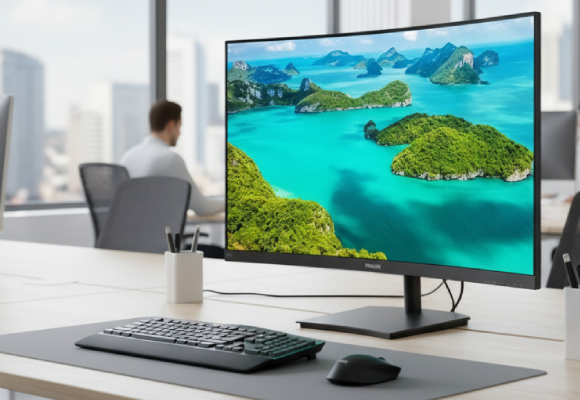
A curved monitor is designed to match the natural shape of the human eye. This means the screen maintains a more consistent focal distance across its entire surface, which can reduce eye strain and fatigue during extended work sessions.
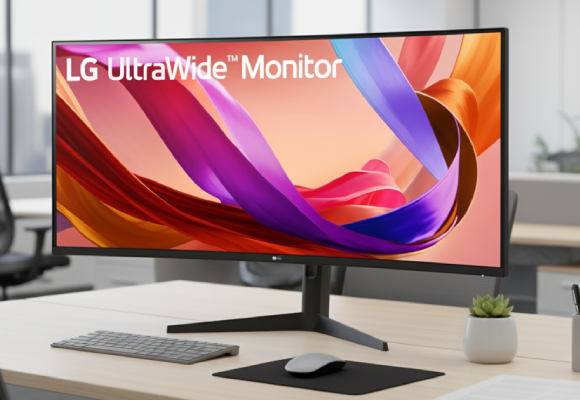
Choosing an ultrawide screen eliminates the need for two separate monitors. This single, seamless display gives staff massive visual space to view multiple documents, large spreadsheets, or complex software timelines side-by-side without the distracting bezels of a dual-monitor setup.
To make your budget go further, select the appropriate performance level for the job. Avoid paying for power that will not be used, but ensure components will last.
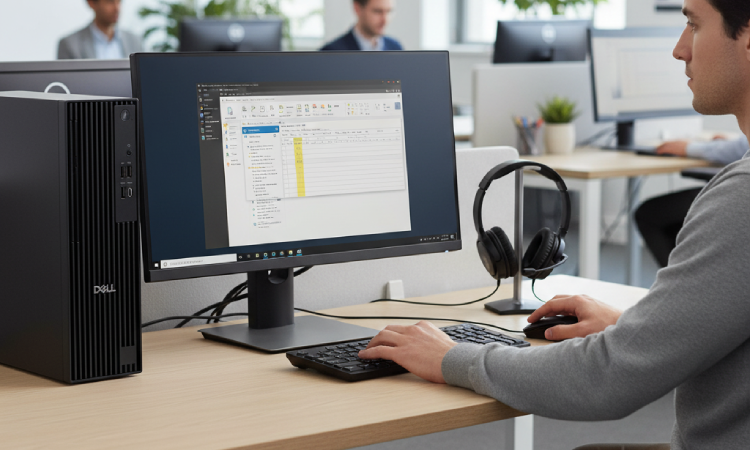
Focus on core reliability and efficient connectivity.
Recommended Specs: Modern quad-core Intel Core i5 or AMD Ryzen 5 processors, 16GB RAM, and a fast 512GB SSD. This provides excellent speed for web-based applications, email, and daily software use.
Key Features: Ensure the systems include USB-C or Thunderbolt ports for easy, single-cable connection to external monitors and peripherals.

These roles require significant power to run demanding professional software.
Recommended Specs (PC): Higher-end desktop PCs with dedicated graphics cards (NVIDIA or AMD) and an Intel Core i7/i9, AMD Ryzen 7/9 or Ultra processor. NVIDIA Quadro GPUs are ideal for CAD software, and 32GB+ of RAM is preferred.
Recommended Specs (Laptop): Laptops should feature at least 32GB of RAM and a powerful processor similar to PCs. This initial investment improves efficiency and reduces rendering or processing wait times. A dedicated graphics card is essential combined with and efficient laptop cooling system.
Selecting commercial-grade equipment lowers long-term operational costs
Newer, low-power processors consume less electricity. Choosing these models contributes to smaller utility bills, a subtle but consistent cost saving.
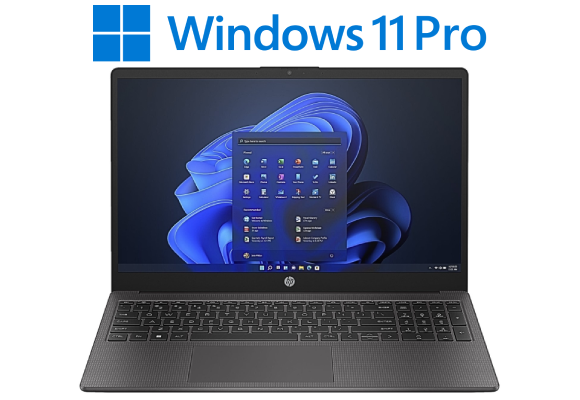
Use Windows 11 Pro for enhanced security features and remote management tools. These capabilities reduce security risks and lower IT support overhead.
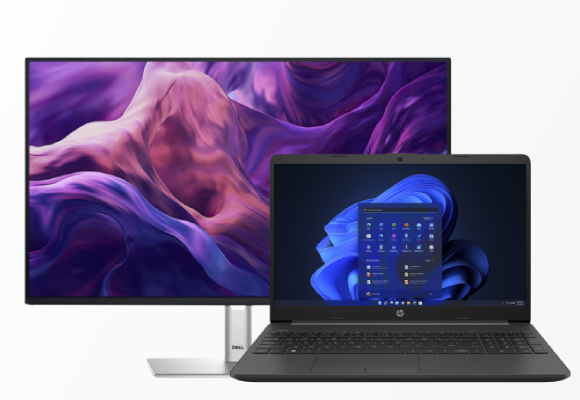
Purchase monitors, PCs, and laptops in large quantities to qualify for special business pricing. This is a direct way to make your budget go further from the start.
Beyond the main hardware, essential accessories deliver significant long-term value by improving staff health, streamlining workflows, and extending the life of your equipment.
These roles require significant power to run demanding professional software.
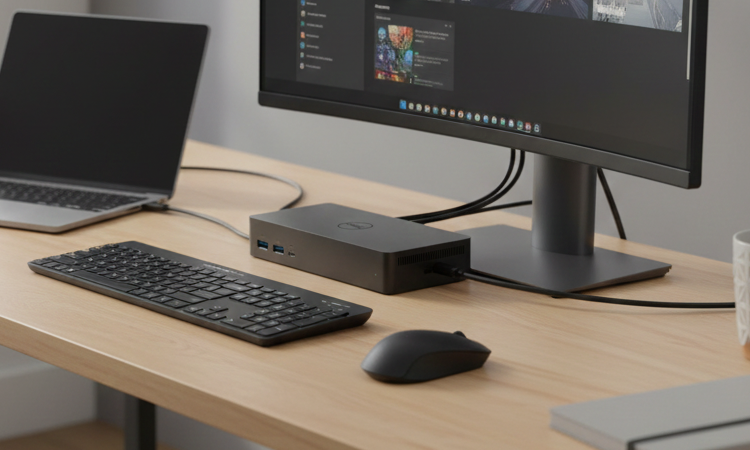
Productivity Boost: A single connection via a USB-C or Thunderbolt cable instantly links the laptop to all desktop peripherals: external monitors, wired internet, keyboard, and mouse. This saves several minutes of setup and pack-down time per day, resulting in substantial collective cost saving over a year.
Reduced Wear and Tear: Eliminating the need to repeatedly plug and unplug multiple cables reduces physical stress on the laptop's ports, prolonging its life and reliability.
Multi-Monitor Support: Docking stations are key to achieving a dual or triple monitor setup, giving staff the visual space they need for complex multi-tasking. Research consistently shows multi-monitor setups significantly boost workflow speed.
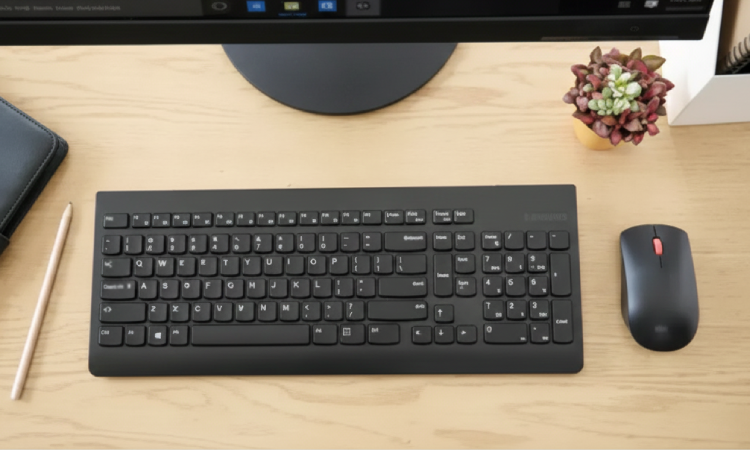
Investing in ergonomic peripherals is a critical step in reducing the risk of musculoskeletal injuries (MSDs) such as Repetitive Strain Injury (RSI). This proactive investment is a form of cost saving by helping to avoid expensive injury claims and lost workdays.
Keyboards: Look for designs that support a natural typing posture. Split or curved ergonomic keyboards reduce stress on wrists and forearms. Wireless models reduce cable clutter.
Mice: An ergonomic mouse, often larger or vertically angled, fits the hand more naturally than a standard compact model. This prevents the wrist from bending at an awkward angle, reducing long-term discomfort and supporting staff who spend their entire day at a desk.
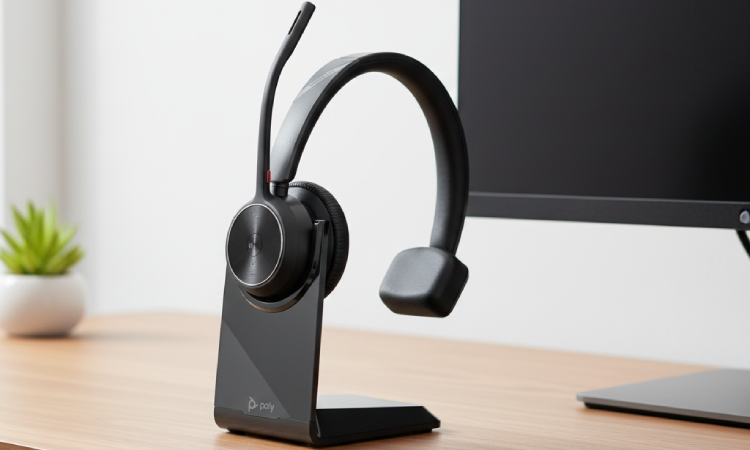
For any business that relies on virtual meetings, customer support, or internal calls, a high-quality headset is essential for clear communication and concentration.
Noise Cancellation: Professional headsets feature noise-cancelling microphones that filter out background office noise, ensuring that clients and colleagues only hear the speaker's voice. This supports a clear, professional conversation, even in busy or open-plan environments.
Comfort and Durability: Choose models designed for long-term wear. Lightweight construction and durable commercial-grade materials mean staff can use them comfortably throughout the workday.
Unified Communications (UC) Certified: Look for headsets certified for platforms like Teams or Zoom. This provides simple plug-and-play setup and dedicated controls, saving time and reducing technical issues during critical calls.

Find trade laptops, MacBooks and notebooks with the UK’s top computer distributors. Browse popular brands like HP, Dell, Apple and Lenovo.

Uncover the top trade computers and IT solutions for less. Shop our range of desktop, all-in-one and workstation computers below.

Browse the best IT solutions with our trade Monitors. Discover top brands such as Samsung, Lenovo, MSI, Acer and more.



