








Get sales advice from our team 7 days a week
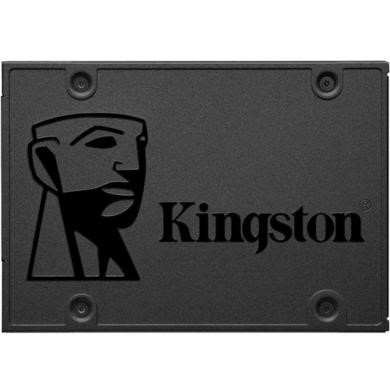
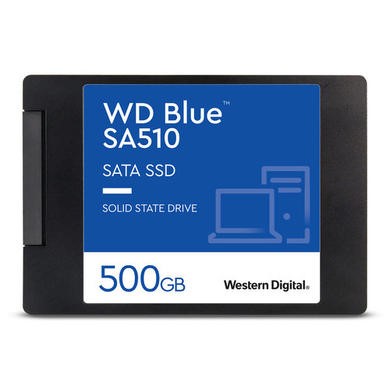
0871 244 09342.5 SSDs give an older laptop or desktop a useful speed boost with 2.5-inch solid-state storage. These compact SATA drives can replace a compatible mechanical drive, helping Windows start faster while cutting load and file access times. Choose from Samsung, Kingston and Western Digital models in a range of capacities for everyday files, apps and larger storage needs. Compare capacity and read speed to find the right upgrade for your computer.





Up to 12 Months 0% Credit

Up to 12 Months 0% Credit
Up to 12 Months 0% Credit

Up to 12 Months 0% Credit

Up to 12 Months 0% Credit

Up to 12 Months 0% Credit
Up to 12 Months 0% Credit

Up to 12 Months 0% Credit

Up to 12 Months 0% Credit

Up to 12 Months 0% Credit
A 2.5-inch SSD is a common choice for computers that use a standard SATA drive bay. Most current consumer models are around 7mm thick, so they fit many laptops as well as desktop mounting bays. A 2.5 SATA SSD connects through the SATA interface rather than an M.2 slot. Check your computer manual first, as some slim laptops don’t include a bay or the cable needed to connect one.
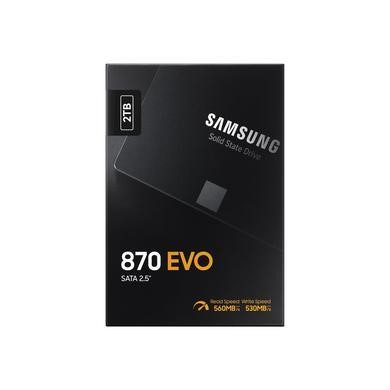
SATA III has a 6Gb/s interface, with real solid-state transfer speeds topping out at around 550MB/s after overhead. That’s below the peak speed of modern NVMe storage, but it can still make a big difference when replacing a mechanical drive. Samsung’s 870 EVO, for example, is rated at up to 560MB/s read and 530MB/s write. For web browsing, office work and everyday apps, SATA storage can offer a practical mix of speed, capacity and value.
If you’ve searched for a 2.5 SSD hard drive, you’re usually looking for solid-state storage that fits the same type of bay as a traditional laptop drive. Desktop installations may need a mounting bracket if the case only has larger 3.5-inch bays. You’ll also need SATA data and power connections in a desktop PC.
For a laptop, check whether the required cable or caddy is already fitted. Capacity matters too, so allow some spare room for Windows updates, apps and future files.



