














Appliances Direct
Laptops Direct
Drones Direct
Better Bathrooms
Furniture 123
Dehumidifiers
Outdoor Living
Aircon
Buying for Business?

Get sales advice from our team 7 days a week

0871 244 0934

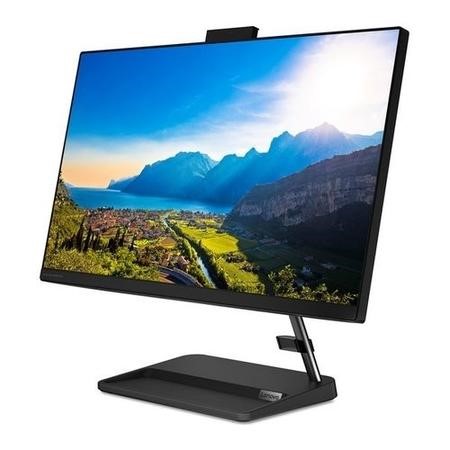
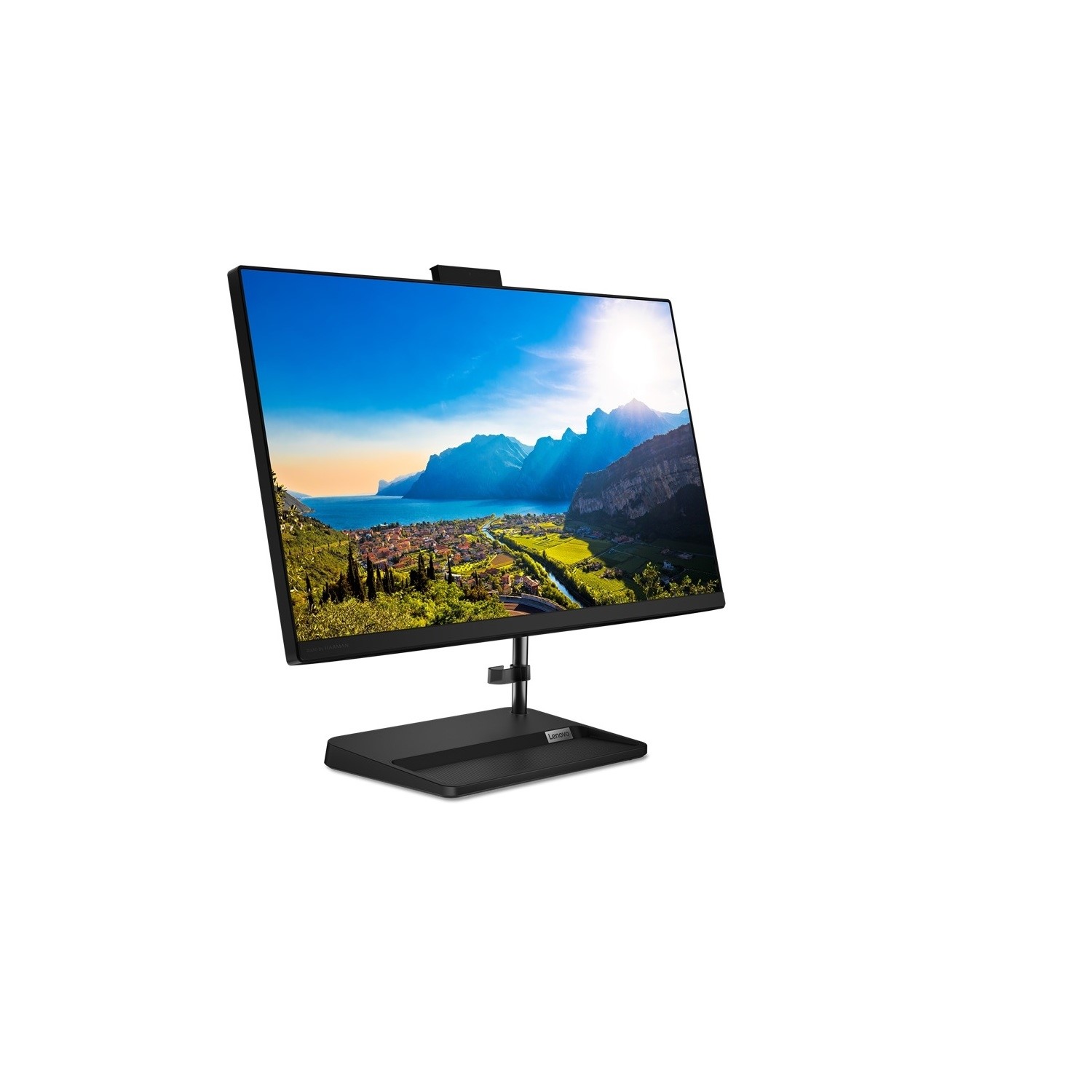
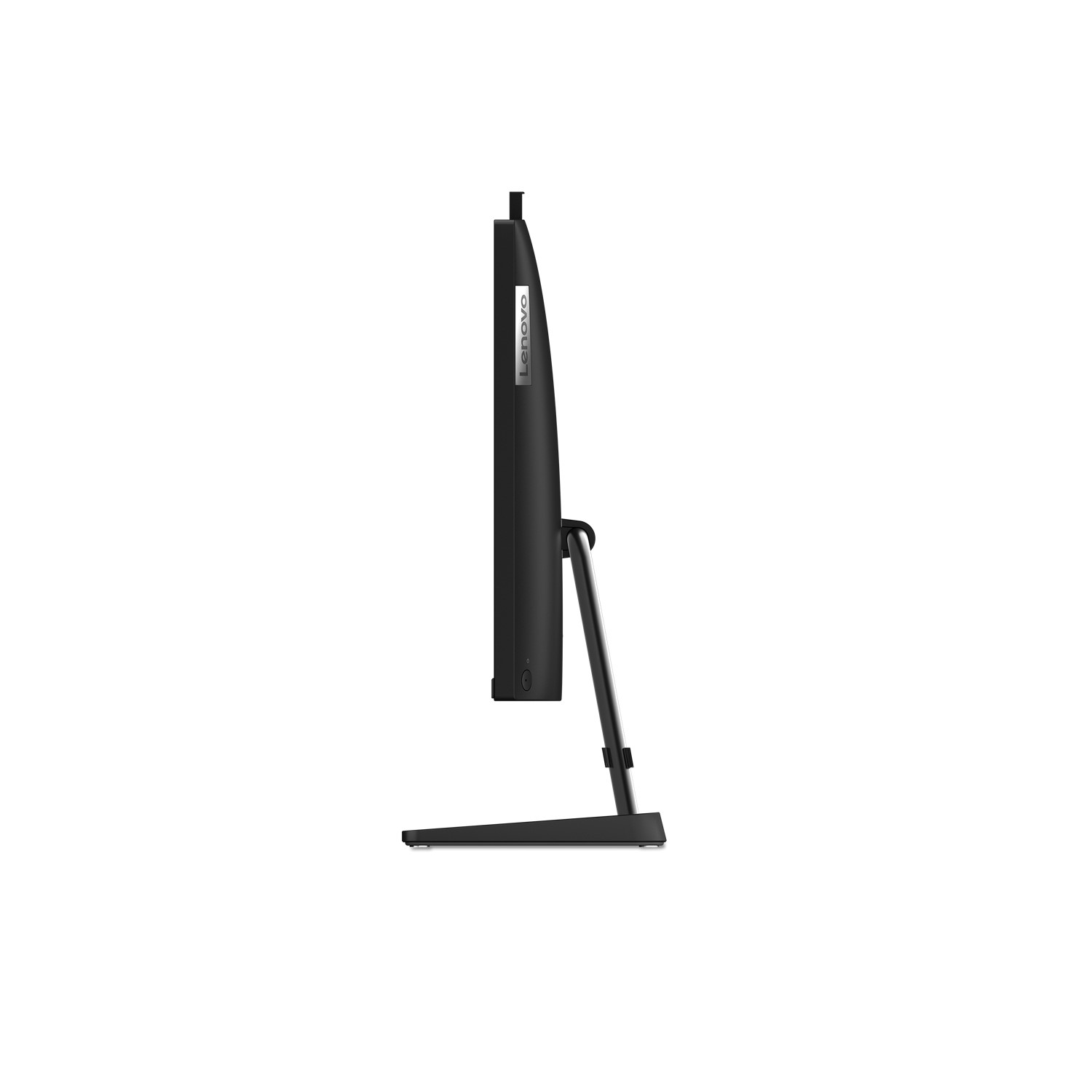
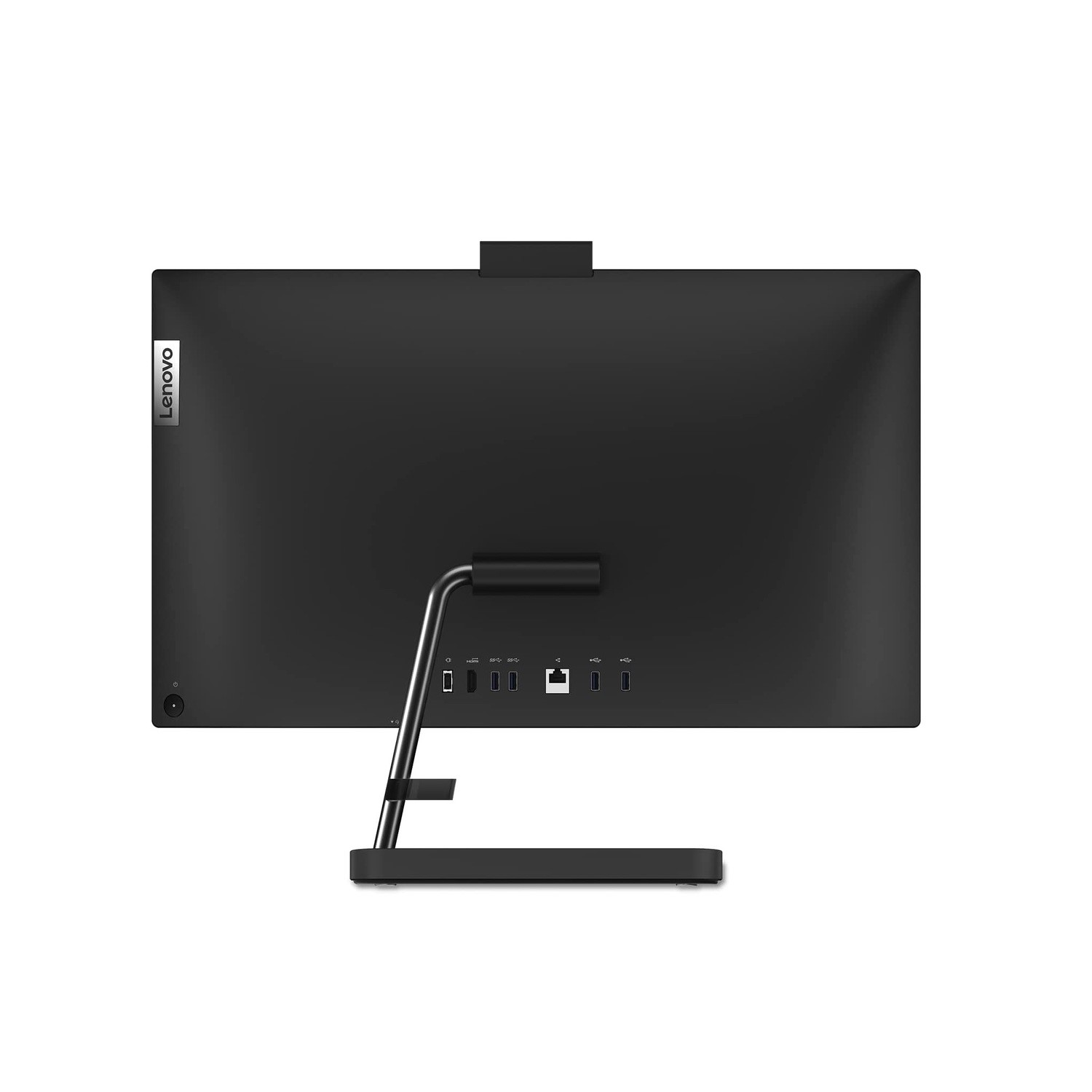
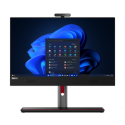
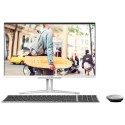
Refurbished Lenovo IdeaCentre 3 AMD Ryzen 7 5700U 8GB 512GB 27 Inch Windows 11 All in One

SKU: A2/F0FY00D6UK Quickfind Code: 1842705

This product is no longer available.

Still need help?

For help finding something similar, just give us a call on 0871 244 0934*

* Calls cost 13p per min plus your network access charge

Unparalleled power density and a smart, adaptive design

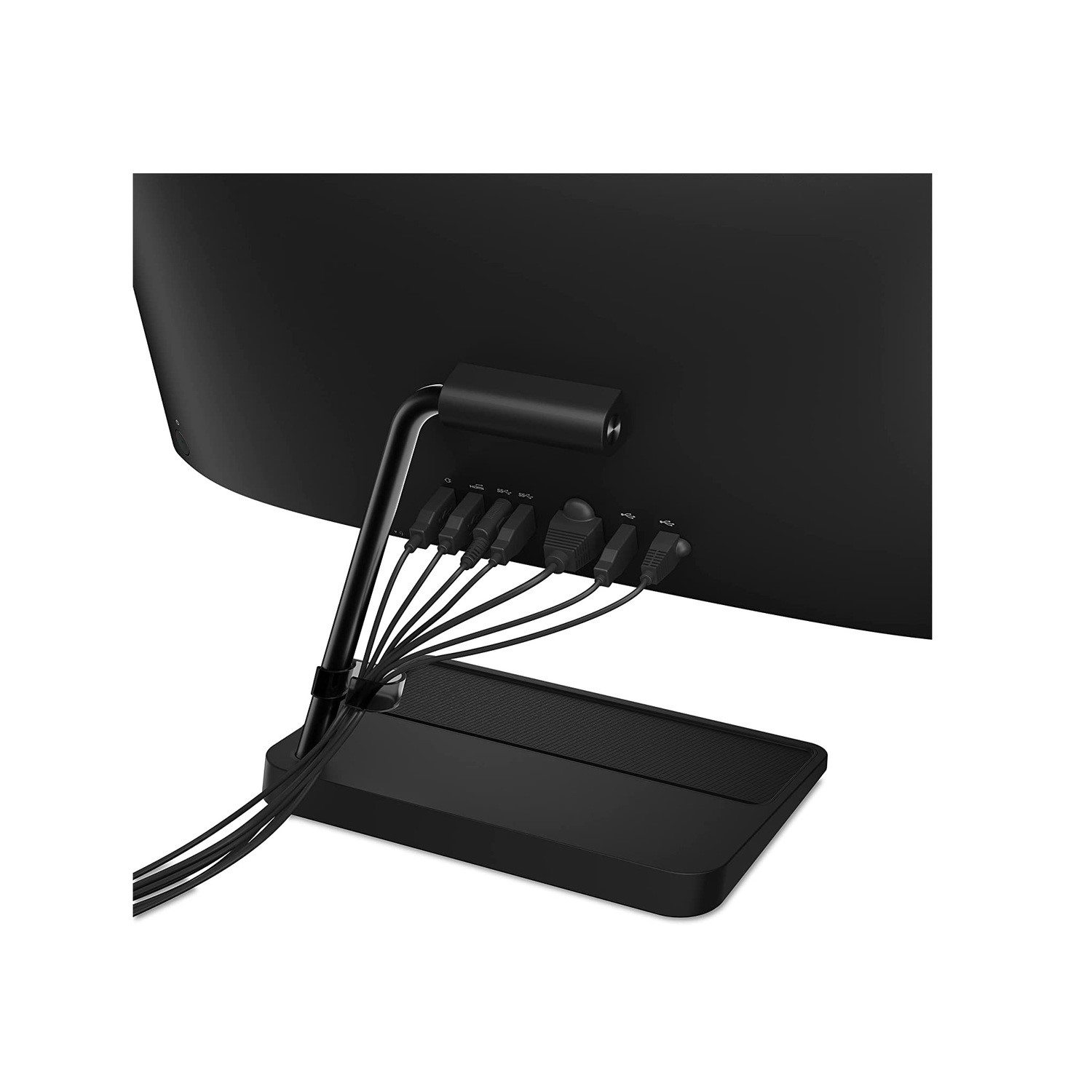
With AMD Ryzen 7 5700U processors, the Ideacentre AIO 3 offers features that thrive under heavy media libraries and high-performance levels. Experience the wonderful amount of space this PC offers with up to 512GB SSD. It is sleek, clean and compact, with improvements from past generations including two USB-A 2.0 ports, two USB-A 3.1 Gen 1 ports and data transfer speeds up to 10GB per second. With easier multi-screen engagement, experience other connectivity options including a 1000 LAN, one microphone and earphone combo, and an HDMI port.

Wider screen, sharper audio, instant privacy, instant login

While being home, you can enjoy IdeaCentre AIO 3's three-sided narrow bezel FDH quality display consisting of bright colours, with an optional touchscreen, allowing you to drag your files directly on the screen, making it user-friendly. In addition, experience high-octane audio with its 3W stereo speakers certified by Harman Kardon. Hidden at the top is a camera, with up to 5M clarity, enhancing your video calls. The webcam enables facial recognition (This works only with webcam with IR) allowing you to easily log in and extra security by just pushing it down.


 

Some devices may come with Windows 11 pre installed, but some may need manually updating to the latest version of Windows from Windows 10, 10S or 11S. It's easy and free to do in just 3 easy steps. Find out how by clicking here »

How To Easily Update Your Windows Laptop

Some devices may come with Windows 11 pre installed, but some may need manually updating to the latest version of Windows from Windows 10, 10S or 11S. It's easy and free to do in just 3 easy steps.

Windows 11 the most productive and secure version of windows yet with easy Navigation, easy organisation and faster performance. Windows 11 has all the power and security of past Windows verisions but with a redesigned and refrshed look. With new tools, sounds and apps that all come together to bring a new refreshing Windows experience.

1. Settings > On your device Select the start button, then click on settings.

2. Updates & Security > Click on Updates & Security.

3. Windows Update > Select check for updates. If updates are available, click instal to get the latest version of Windows.


You may also like

Recently viewed


Back to top