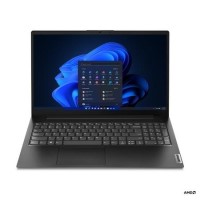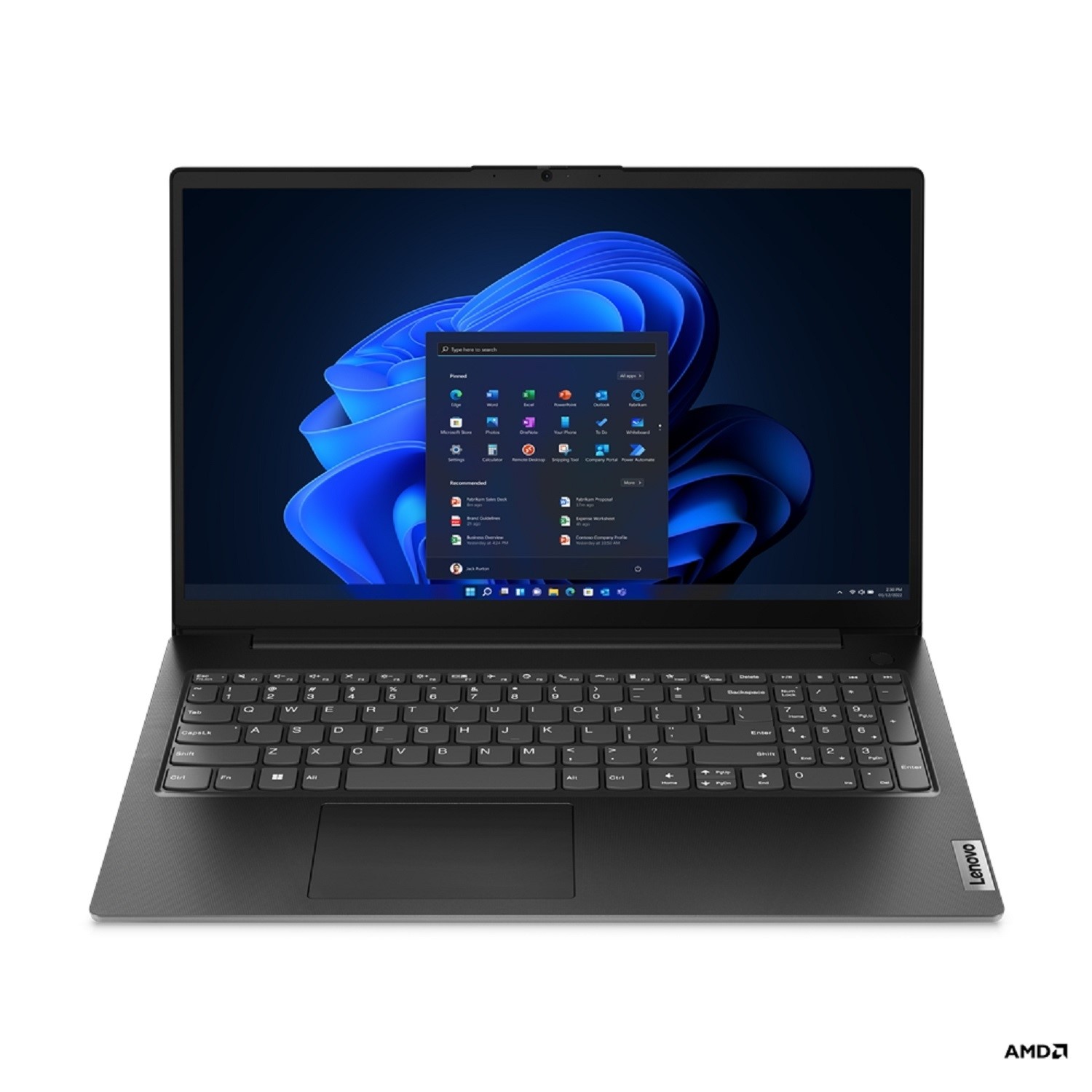





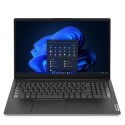
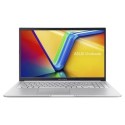


Discover the Lenovo V15 G4 ABP, a notebook designed for professionals who demand reliability and performance on the go. This notebook features a 15.6-inch Full HD display that brings your content to life with sharp, clear visuals and an anti-glare coating for comfortable viewing in any lighting conditions. Powered by an AMD Ryzen 7 processor and equipped with 16 GB of RAM, it offers the speed and efficiency needed for multitasking and running demanding applications. The 512 GB NVMe SSD provides ample storage with fast data access speeds, ensuring quick boot times and seamless operation.
Durability is a key focus, with the notebook's build meeting MIL-STD-810H standards to withstand the rigours of daily use. It also boasts a range of connectivity options, including USB-C and HDMI ports, to easily connect to peripherals and external displays. Security features such as a firmware TPM 2.0 chip and password protection keep your data safe. With its blend of performance, durability, and security, the Lenovo V15 G4 ABP is the perfect tool for professionals looking to boost their productivity.
Enhanced durability
Built to withstand the rigors of daily use, this notebook has passed MIL-STD-810H tests, ensuring it can handle the bumps and drops of everyday life. The polycarbonate ABS casing provides a sturdy exterior that's both durable and lightweight, making it an ideal companion for professionals on-the-go.
Immersive visual experience
Featuring a 15.6-inch Full HD display with anti-glare technology and Low Blue Light technology, this notebook delivers crisp, clear visuals while minimizing eye strain during extended use. The TN panel offers wide viewing angles, ensuring vibrant images and consistent colors, even when viewing the screen from different positions.
High-speed connectivity
Equipped with a range of interfaces including USB-C 3.2 Gen 1/DisplayPort 1.2 for fast data transfer, HDMI for connecting to external displays, and Bluetooth 5.1 for wireless connections, this notebook ensures you're always connected. Whether it's hooking up to peripherals, external storage, or presenting on a larger screen, you have all the ports you need.
Powerful performance
Powered by an AMD Ryzen 7 processor with 8 cores and a max turbo speed of 4.5 GHz, alongside 16 GB of DDR4 RAM, this notebook is designed for speed and efficiency. The 512 GB NVMe SSD offers ample storage with quick boot times and rapid data access, making it perfect for multitasking and running demanding applications.
Secure and reliable
Security is paramount, and this notebook delivers with a firmware Trusted Platform Module (TPM 2.0) security chip, administrator password, hard drive password, and power-on password features. These integrated security measures ensure your data is protected against unauthorized access, giving you peace of mind.