








Get sales advice from our team 7 days a week
0871 244 0934A GPU (Graphics Processing Unit) powers everything from smooth gameplay to 3D rendering. While CPUs handle logic and multitasking, the GPU takes charge of visuals. If you're gaming, editing video, or working with AI or 3D content, a dedicated graphics card is essential.
As integrated graphics improve, it's important to know when you really need a dedicated GPU, and when you don't. A powerful card alone won’t deliver if your CPU and RAM can’t keep up. But pair it right and your whole system runs smoother, faster and more reliably.
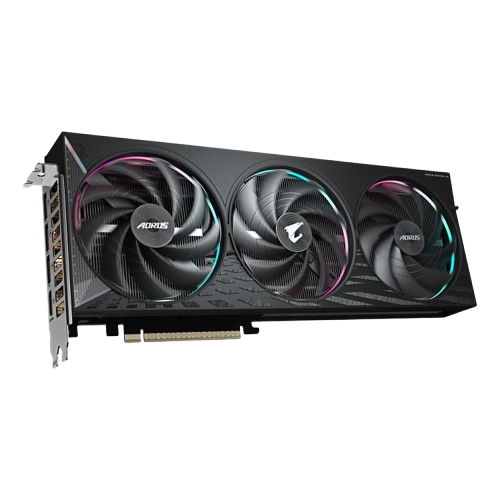
Best for: eSports, high refresh gaming
Top Picks:
Best for: High FPS + visual quality
Top Picks:
Best for: Ray Tracing, Ultra textures, future-proofing
Top Picks:






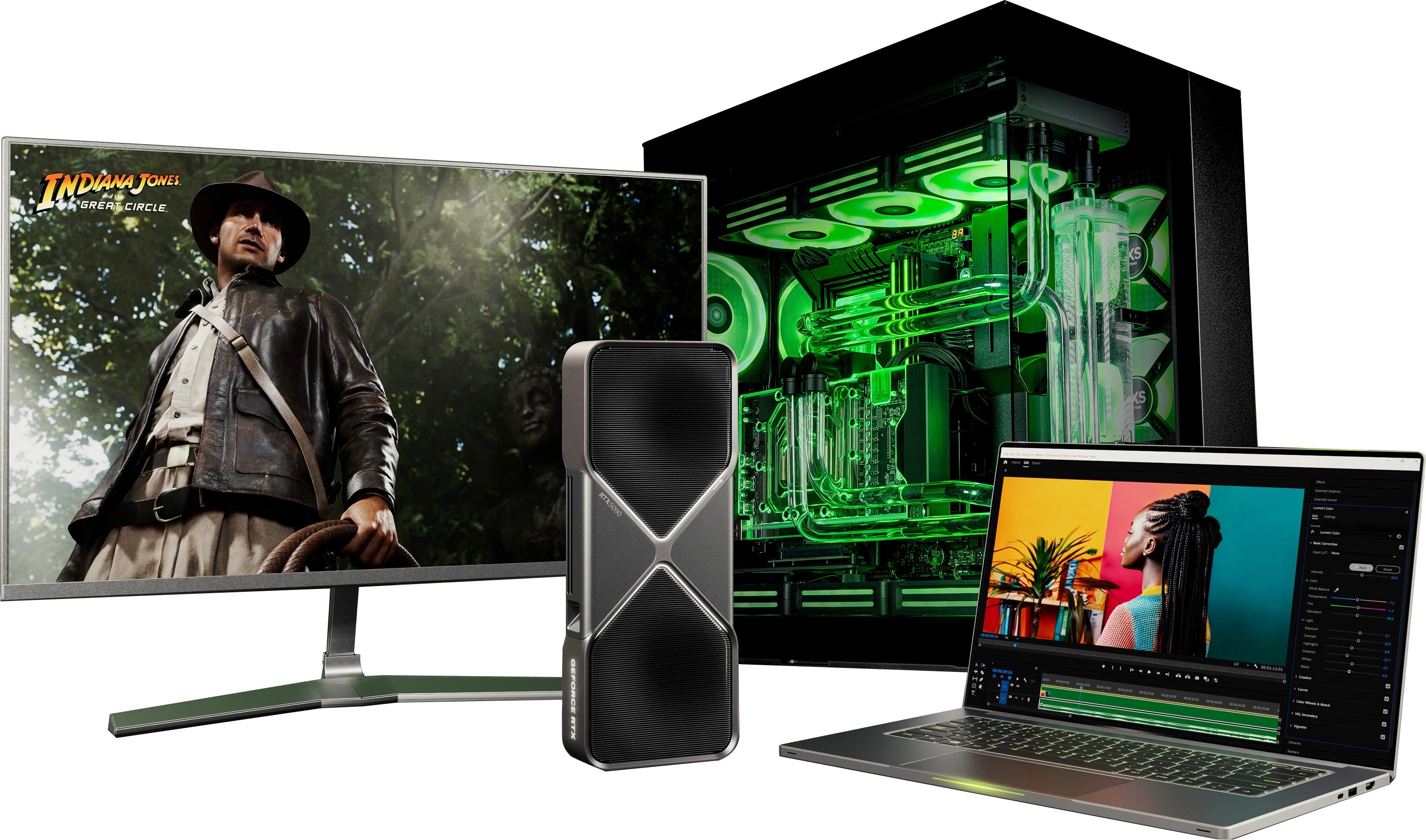
Shop from a wide range of standalone graphics cards or explore prebuilt PCs with the latest NVIDIA and AMD GPUs.
A graphics card, or GPU (Graphics Processing Unit), is the part of your computer that handles images, video, and 3D graphics. It powers your games, makes video playback smooth, and speeds up creative tasks like photo or video editing.
Some PCs use integrated graphics built into the processor, which are fine for everyday tasks. But for gaming, 3D design, or high-resolution displays, you’ll want a dedicated graphics card for better performance.
A bottleneck happens when one part of your PC slows down the rest. For example, if you pair a powerful graphics card with an older, slower processor, the CPU can’t keep up—so the GPU never reaches full performance.
Bottlenecks aren’t harmful, but they can cause lower FPS or inconsistent performance. The goal is to keep your system balanced so every component performs at its best.
It depends on the games you play and the resolution you want:
1080p (esports like Fortnite, Valorant):
NVIDIA RTX 5050, AMD RX 7600
1440p / high refresh gaming:
NVIDIA RTX 5070, AMD RX 9060 XT
4K + Ray Tracing:
NVIDIA RTX 5080, AMD RX 7900 XTX
If you're not sure where to start, our buying guides and filters at Laptops Direct can help narrow it down based on budget and performance needs.
Most graphics cards last around 3–5 years before they start to feel outdated for new games or creative software. High-end models can last longer thanks to technologies like DLSS or FSR that improve performance over time.
Physically, a GPU often lasts far beyond its “performance lifespan,” especially if kept cool and dust-free. It may still run after many years, but newer demanding games may require more power and memory than older GPUs can offer.



