








Get sales advice from our team 7 days a week
0871 244 0934Philips has designed its professional monitor range with three core pillars in mind: Productivity, Connectivity, and Wellbeing. For B2B customers, these displays offer more than just a screen; they act as a complete workstation solution that reduces costs and improves the daily work experience. If you are handling complex data, multitasking, or organising your office, Philips monitors provide the ideal balance of speed, performance, and practical design.
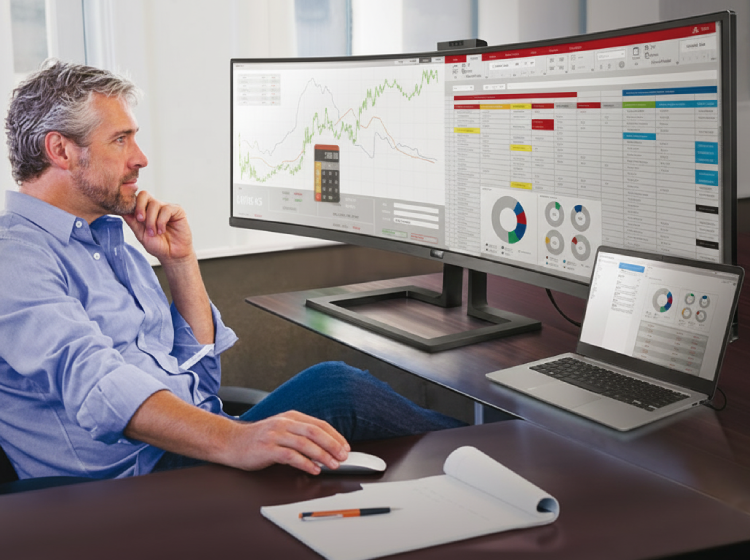
Ultrawide & Curved Displays: A single 34 to 49-inch Philips ultrawide replaces the need for two smaller monitors. This removes the distracting central bezel and provides a seamless view of large spreadsheets or multiple windows.
The Curved Advantage: The subtle 1500R or 1800R curvature keeps the edges of the screen at the same focal distance as the centre, reducing eye travel and neck movement during long shifts.
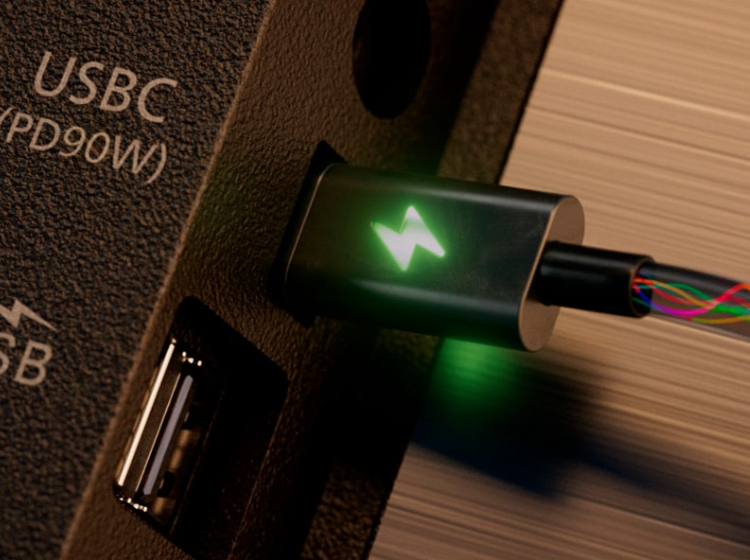
USB-C connection is the foundation of the modern flexible workspace. This single, slim cable replaces a whole desk of messy wires by handling several tasks at once.
As this port becomes the universal standard for almost all new tech devices, choosing a Philips USB-C monitor is a smart way to future-proof your office setup.
Forget fumbling for your laptop charger; this cable can deliver up to 100W of power straight from the screen to the battery. It also handles data speeds up to 10Gbps, so you can share massive files or stay on the office network without any annoying lag.
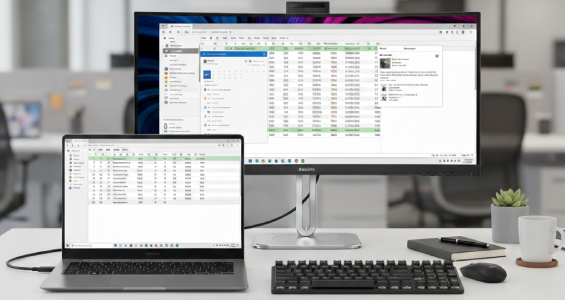
Many Philips professional models, such as the 6000 Series, feature a built-in docking station. With one single cable, you can charge your laptop (up to 100W Power Delivery), send high-resolution video to the screen, and connect to the office network via the RJ45 Ethernet port.
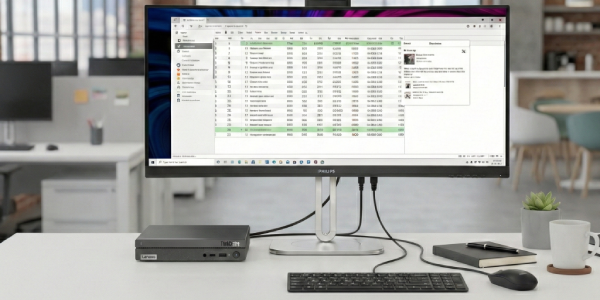
By centralising all peripherals (mouse, keyboard, webcam) into the monitor’s ports, you remove the clutter of multiple wires, creating a tidier and more professional workspace.
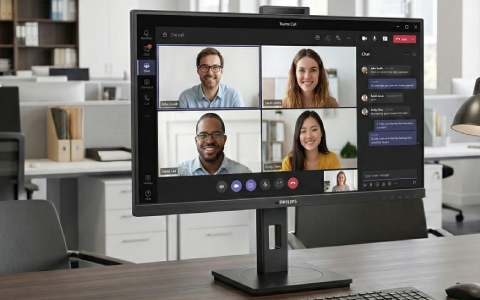
Philips monitors often include HD pop-up webcams. These are perfect for Microsoft Teams or Zoom calls and can be pushed down when not in use to ensure total privacy.
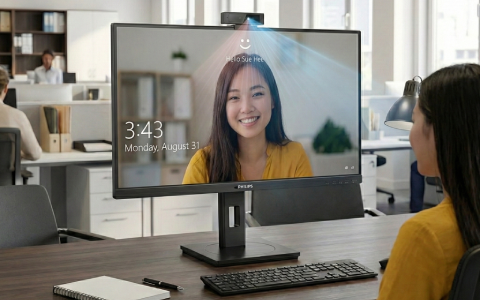
Following on from the integrated webcams, these cameras use facial recognition sensors to log you into your PC in less than two seconds, combining convenience with high-level business security.
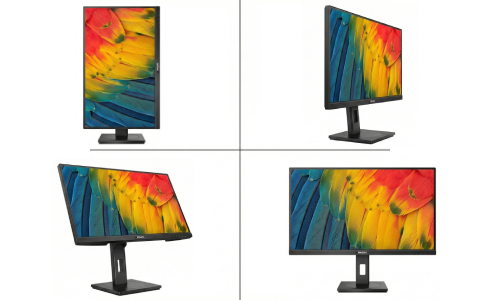
Many Philips monitors come with this specialised stand. Tilt, swivel, and rotate the screen to the exact height needed. It even has a cable management slot to keep desks looking tidy and professional.
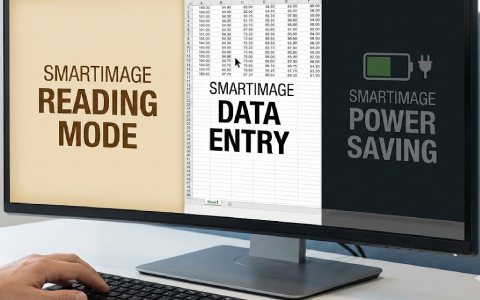
SmartImage boosts workplace productivity by automatically optimising screen settings for different tasks like reading, data entry, or saving power. With one touch, users can sharpen text to reduce eye strain or switch to economy mode to lower energy bills.
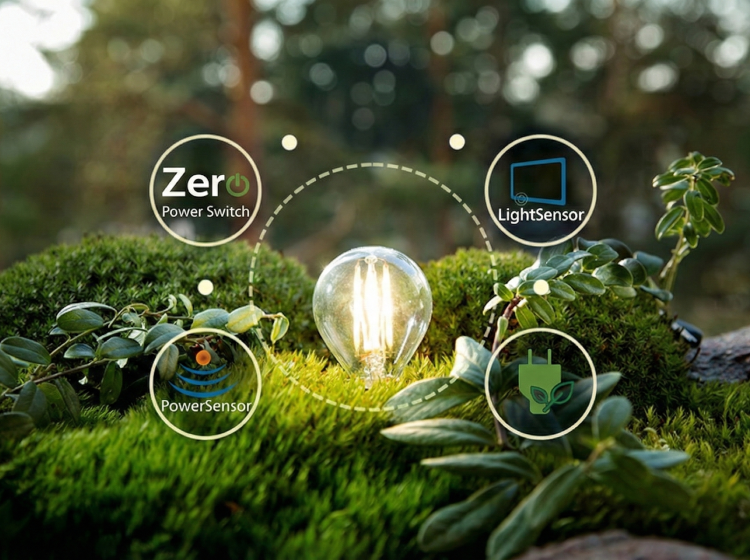
Choosing Philips monitors allows your business to meet strict environmental goals without sacrificing performance. These displays use sustainable, mercury-free materials and up to 85% recycled plastics, all delivered in 100% recyclable packaging to reduce waste. Smart energy-saving features like the 0-watt hard switch and PowerSensor technology.
PowerSensor Technology This is a "people sensor" that uses harmless infrared signals to check if a user is at their desk. If you step away, the monitor automatically dims, reducing energy costs by up to 80% and extending the life of the display.
Light Sensor This feature adjusts the screen brightness based on the room's lighting conditions, ensuring the perfect picture while using the least amount of power possible.
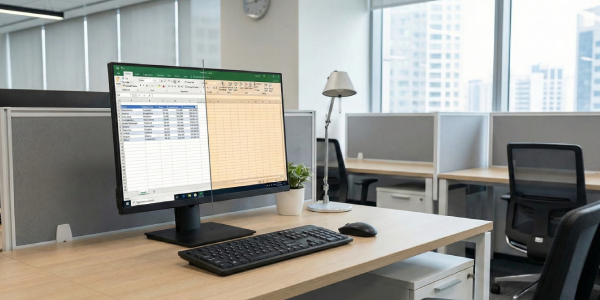
Unlike standard filters that make your screen look yellow, this tech reduces harmful blue light at the source while keeping the colours looking natural.
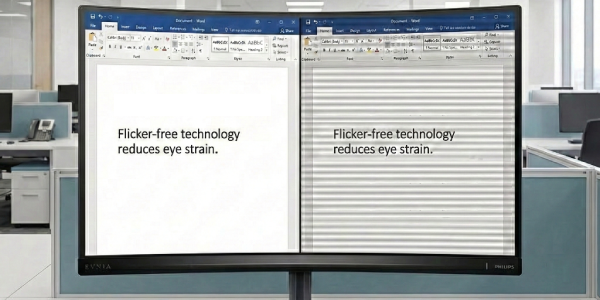
Standard LED screens often pulse, which causes headaches and fatigue. Philips manages brightness with a DC system that removes flicker entirely, making the workday much more comfortable.



