








Get sales advice from our team 7 days a week
0871 244 0934Let’s be honest: most of us spend more time looking at our monitors than we do sleeping. If you’ve been finishing your day with a "stiff neck," "scratchy eyes," or a dull headache, it’s not just part of the job—it’s your setup fighting against your biology.
The good news? You don’t need a medical degree to fix it. Shifting your focus from frame rates to wellness can transform your desk from a strain-zone into a comfort-zone.
The most common mistake is placing the monitor too high or too low. To end neck pain, follow the Top of Screen Rule:
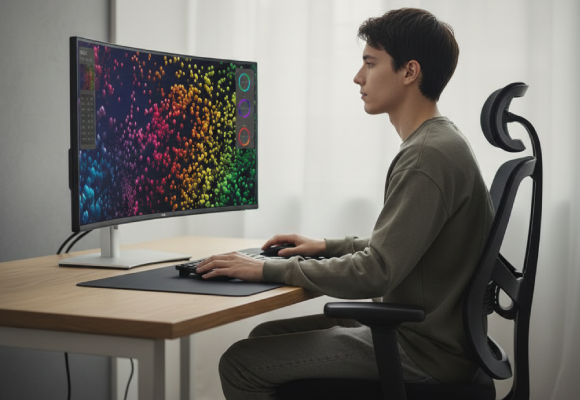
The top 1/3 of your screen should be at or slightly below eye level.

This allows your eyes to maintain a slightly downward gaze, which keeps your eyelids more closed, reducing tear evaporation and "dry eye."
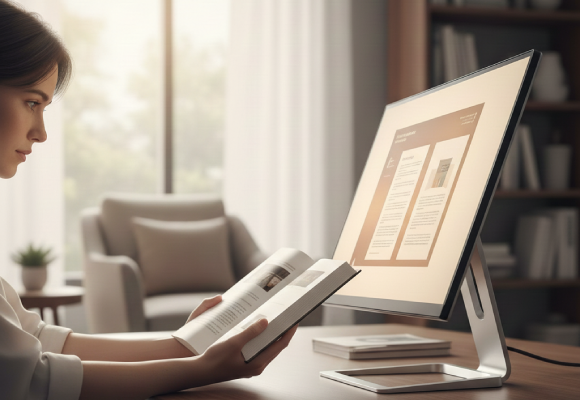
Angle the screen 10° to 20° backward . This mimics the natural angle at which we hold a book.
If you’re still using a stack of books to prop up your screen, it’s time for an upgrade.
Browse our monitor arms ensuring your posture stays perfect throughout the day.
Modern monitors come packed with tech designed to protect your vision, but you have to know what to look for.
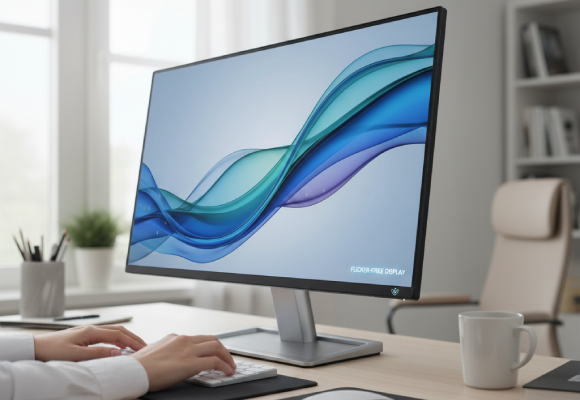
Standard monitors often use Pulse Width Modulation (PWM) to control brightness, creating a high-speed "flicker" that’s invisible to the eye but exhausting for the brain. Flicker-free panels use a constant light source, eliminating the trigger for those 4 PM migraines.
Shop now »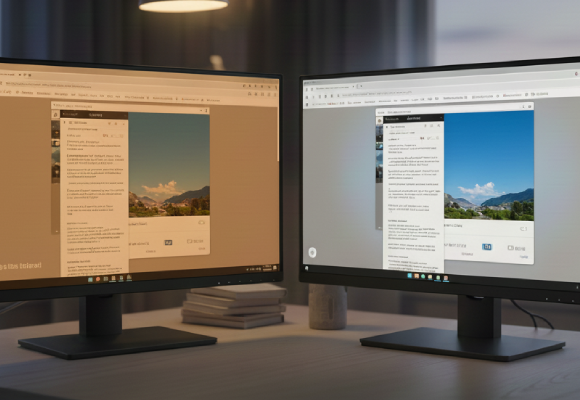
High-energy blue light can disrupt your circadian rhythm and cause digital eye strain. Look for monitors with Hardware-level Low Blue Light solutions. Unlike software filters that turn your screen a muddy orange, hardware solutions protect your eyes while maintaining colour accuracy.
Shop now »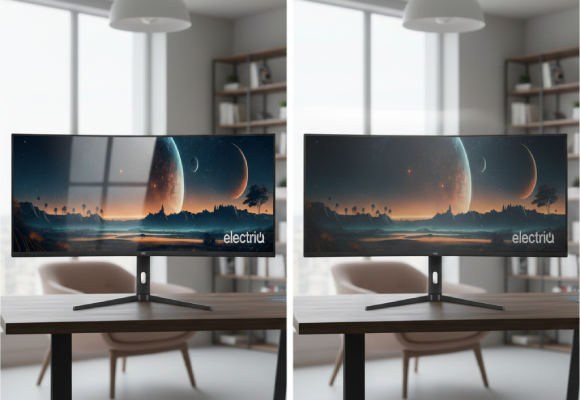
Reflections from windows or overhead lights force your eyes to "re-focus" constantly between the screen content and the reflection. An Anti-Glare finish diffuses light, letting your eyes relax on the task at hand.
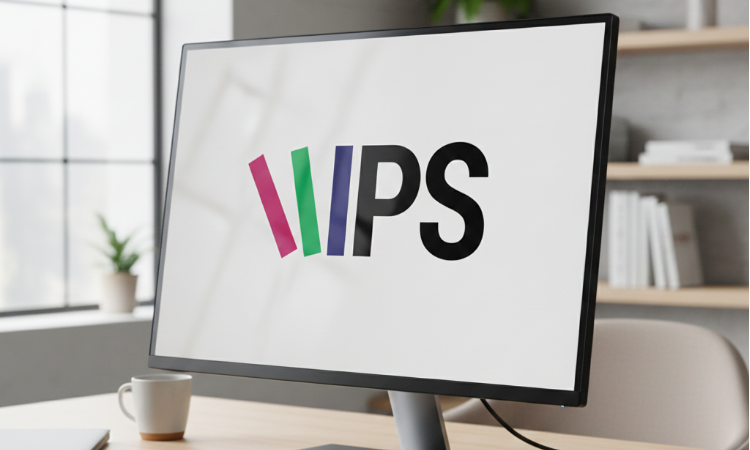
Shop now »Best for: colour accuracy and wide viewing angles.
Eye Comfort: great for shared spaces; consistent brightness regardless of your head position.
The Fix: pair with an Asymmetric LED Task Lamp to neutralize ambient glare.
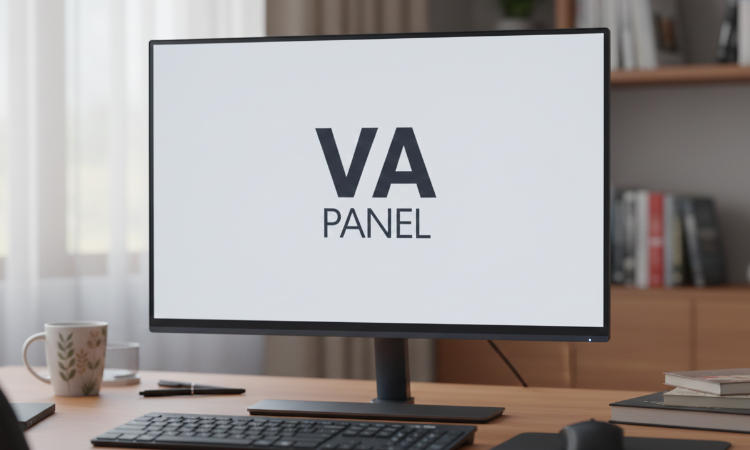
Best for: deep blacks and high contrast.
Eye Comfort: excellent for dark-room use; less "glow" in the corners.
The Fix: use a Bias Lighting kit (LED strips behind the monitor) to reduce eye fatigue in dark rooms.
Before you log off today, check these three boxes:
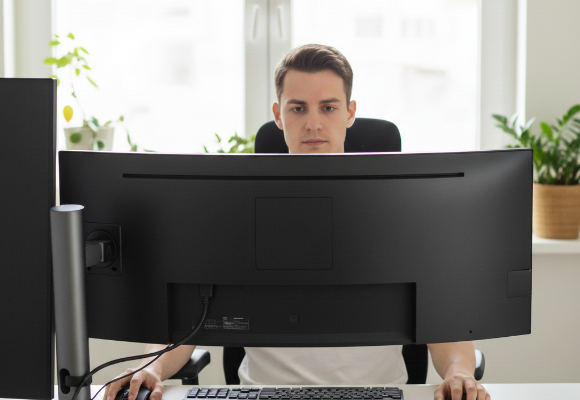
Is the top of the frame at eye level?
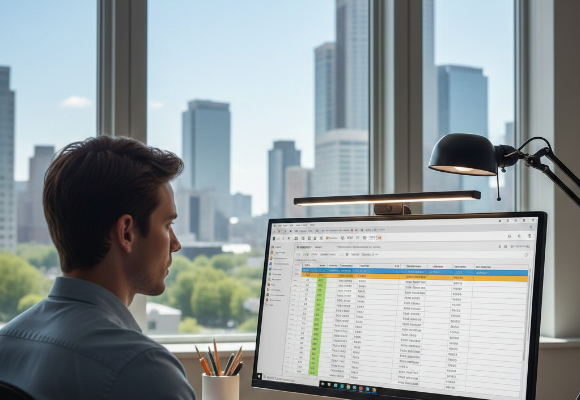
Can you see a reflection of a window or lamp on your screen? (If yes, tilt or move it!)
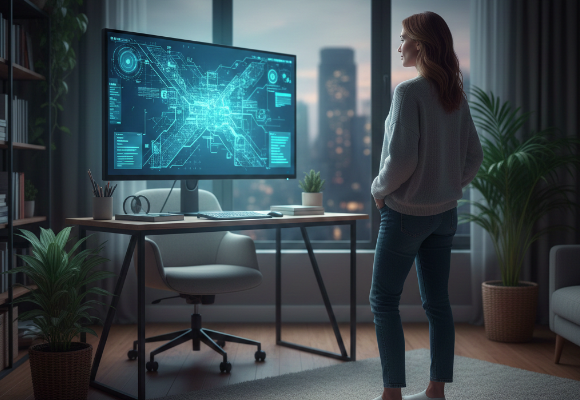
Every 20 minutes, look at something 20 feet away for 20 seconds.
Your eyes deserve better than a "standard" setup.
Browse our monitors ensuring you have the perfect setup for you.



