Appliances Direct
Laptops Direct
Drones Direct
Better Bathrooms
Furniture 123
Dehumidifiers
Outdoor Living
Aircon
Buying for Business?

Get sales advice from our team 7 days a week

0871 244 0934
HP
HP and Windows Logo

HP recommends Windows 11 Pro for business

Windows 10 PCs no longer receive standard security updates.

Following Win10 EOS on 14th Oct, Windows 10 no longer receives security updates or technical support. Extended Security Updates (ESU) are costly and only provide critical fixes, not full support. This exposes businesses to cyber threats and compliance failures, which can lead to financial and reputational damage. Upgrading to Windows 11 offers advanced security, AI-driven productivity, and hybrid work optimisation: don’t let your organisation fall behind.

Support has ended for Windows 10

Why upgrade now?

Windows 10 support has ended. Make the move to supercharged efficiency now.

Outdated PCs put your business at risk. Support for Windows 10 ended on 14 October 2025, but you can stay secure and up to speed with new Windows 11 Pro PCs that come with layers of security, enabled by default. Take advantage of AI-enhanced efficiency and features to get organised in a snap. Designed for fast, easy deployment and compatibility with business apps, Windows 11 Pro is your foundation for future innovation.

  • Running on an unsupported operating system can lead to increased security risk and associated financial and reputational risks.
      • Increased risk and consequences1 :Running on an unsupported operating system can subject your business to increased security risks, where breaches can lead to significant financial losses and damage to reputation
      • Industrial standards and insurance clauses2: Cyber insurance policies may require businesses to maintain up-to-date operating systems. Failing to upgrade could result in denied claims or higher premiums. Migrating to Windows 11 ensures compliance with these policies, safeguarding your financial interests. Customers should look at industrial standards and cyber insurance clauses to ensure they are compliant and to avoid surprises.
    • 1 Windows 10 End of Support for Business Employees
    • 2 Critical Cyber Insurance Policy Clauses: Don't Let These Cyber Risks Slip Through! – Troinet
  • Microsoft 365 Apps and on-premises Office suites will no longer be supported on Windows 10 after Windows 10 reached end of support.
      • After October 14 2025, while Microsoft 365 apps and on premise Office suite will continue to function, they will no longer be supported on Windows 10 after Windows 10 goes End of Support1. This means
        • Microsoft no longer provide phone/chat/email support for this configuration,
        • Microsoft no longer create updates or hotfixes for issues that emerge when running on unsupported operating systems, and
        • New features or apps may not work on unsupported operating systems
      • Purchase of Windows 10 ESU does not affect support for Microsoft 365 Apps on Windows 10. This will remain an unsupported configuration even for customers with ESU.
    • 1 What Windows end of support means for Office and Microsoft 365 - Microsoft Support
  • Migrating to Windows 11 takes time and it varies from businesses to businesses.
      • Stakeholders buy-in and due diligence takes time: While Windows 11 is built on the same engineering platform as Windows 10 and hence highly compatible, many IT teams are required to get stakeholders buy-in, build a deployment and run due diligence that could take significant time.
        • Examples of due diligence include running compatibility assessments, testing and pilots before broad rollout.
        • Businesses with Windows 11 ineligible devices will also need to consider device procurement and supply lead times.
        • HP offers a Windows 11 readiness assessment service, to guide you through this process.
    • 1 What Windows end of support means for Office and Microsoft 365 - Microsoft Support
  • Windows 11 offers great security, productivity and manageability benefits. Staying on Windows 10 means widening the digital gap as innovation continues to happen on the newer platform.
    • Value of Moving to Windows 111
      • Improve the End User experience and security
        • Windows 11 offers advanced security features like hardware-based isolation, encryption, and malware protection. Alongside HP Wolf Security, this ensures compliance with the latest security standards and regulations – significantly reducing your risks.
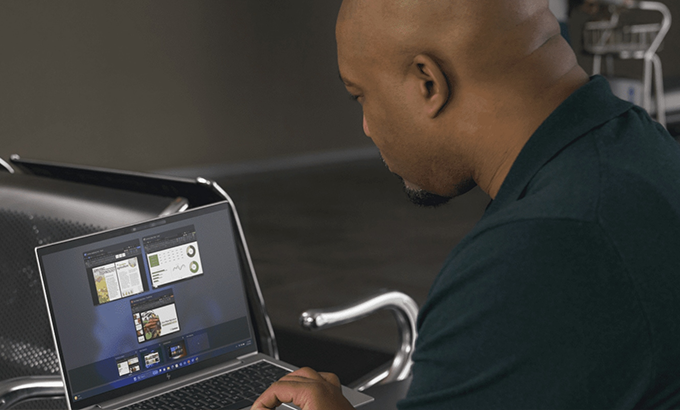
        • With AI embedded and improvements from UI enhancements like Snap Layouts to Microsoft Teams and other collaboration tools integration and boosts productivity.
      • Real world ROI and lower IT costs
        • Upgrading to Windows 11 can lead to cost savings through improved EUC efficiency and reduced security incidents particularly compared to maintaining outdated systems. See Forrester’s Total Economic Impact to see the benefits for your organisation.
      • Modernise & enhance your End User Compute Systems:
        • Automate deployments and updates (with Autopilot and Autopatch) and be ready for hot patching to speed updates and reduce reboots. (some features require Windows Enterprise)
        • Move to cloud first management to improve response times, reduce workload on IT and improve efficiency.
    • 1 Windows 11 Pro for business: Boost productivity with Copilot | Microsoft

Don't let old devices limit your potential

Move to new HP AI PCs optimized for Windows 11, and build a plan with confidence.

HP devices are ideal for your Windows 11 refresh

HP offers an array of 26 supplementary features to Windows 11 for modern collaboration, productivity, and security.
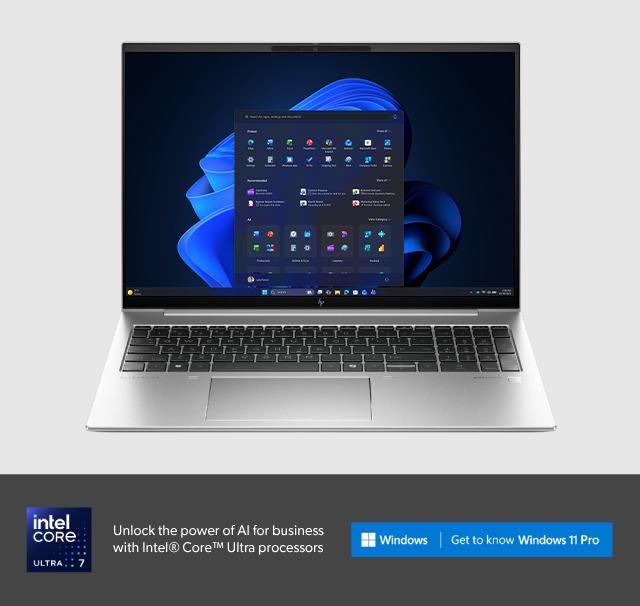
HP PCs are optimized for Windows 11

Windows 11 Pro includes new features for enhanced modern security, productivity and collaboration.

World’s most secure PCs

World’s most secure PCs1

Let your PC worry about security risks with built-in, hardware-enforced protection so you can work from almost anywhere without worry.

Enhanced productivity

Enhanced productivity

AI-powered features enable multi-tasking to get work done faster. Optimize and personalize PC performance with AI-enhanced HP Smart Sense.2, 3

Seamless collaboration

Seamless collaboration

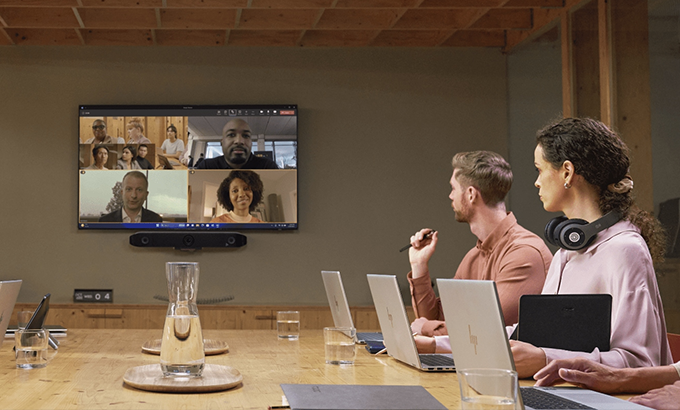
Feel connected no matter where you are working with video conferencing features like AI Noise Reduction, Auto Camera select and a multi-camera experience.4

Continuous optimization

Continuous optimization

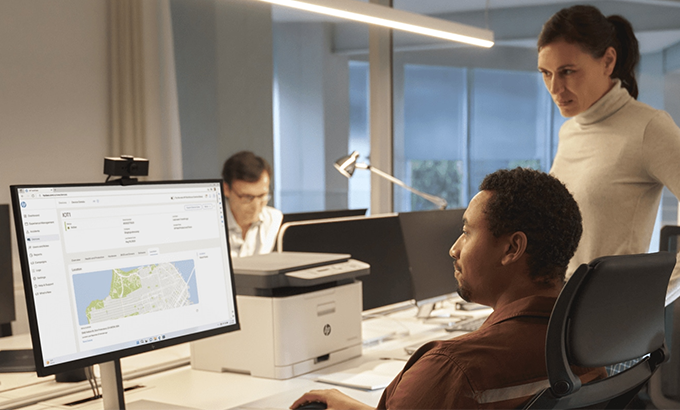
With global set-up and fix services, quickly onboard employees and measure and meet their needs with data-driven insights. Optimize satisfaction, retention, and enable them to work securely from anywhere without a VPN.

Key business benefits

How AI drives measurable impact across the organization

The impact of AI extends beyond individual productivity gains. Enterprises are increasing productivity and reducing costs with Copilot for large businesses, while small companies are growing and thriving with Copilot for small businesses. Organizations that implement solutions like Microsoft 365 Copilot can see systemic improvements in how entire teams operate and collaborate.

  • Increased productivity
      • With AI-powered automation through Microsoft 365 workplace productivity solutions, teams can forget about tedious, repetitive tasks and focus instead on strategic initiatives that drive growth. Faster document creation reduces project timelines, automated data analysis eliminates manual report generation, and streamlined workflows cut administrative overhead.
  • Data-driven decision-making
      • With AI assistants like Copilot, teams can quickly analyze complex datasets, identify trends across multiple sources, and generate scenarios to evaluate strategic options. These insights enable teams to make decisions based on comprehensive data rather than anecdotal evidence.
  • Enhanced collaboration
      • Using Copilot for work, employees can collaborate seamlessly across applications and teams. Information flows consistently between departments, automated meeting summaries help ensure a shared understanding, and alignment happens more quickly because everyone has access to the same AI-assisted insights.
  • More innovation
      • AI-powered productivity helps boost creativity and innovation. Copilot can eliminate creative blocks with instant brainstorming support, generate multiple options for campaigns and strategies, and accelerate iteration cycles so teams can test more ideas. Plus, when their mundane tasks are automated, employees have more time—and mental energy—to focus on strategic innovation.
      • Copilot in action: David, an enterprise account executive, prepares for a crucial client meeting. Copilot helps him analyze the client's purchase history in Excel, identifying upsell opportunities. He then uses Copilot in PowerPoint to customize his standard deck with client-specific case studies and ROI projections, ensuring every slide resonates with their unique challenges.

Shop HP laptops

HP Windows 11 laptop

HP Windows 11 laptops

Shop now
HP Windows 11 Pro laptop

HP Windows 11 Pro laptops

Shop now

Recently viewed


Back to top