





Excellent cosmetic condition - looks like new and saves you money.


Save money
Enjoy significant savings without compromising on quality.

Reduce waste
Reduce electronic waste and lower your carbon footprint.

Extensively Tested
Every refurbished device is rigorously tested and repaired by certified technicians.

Warranty included
This device is protected with a warranty covering both parts and labour.
Standout features
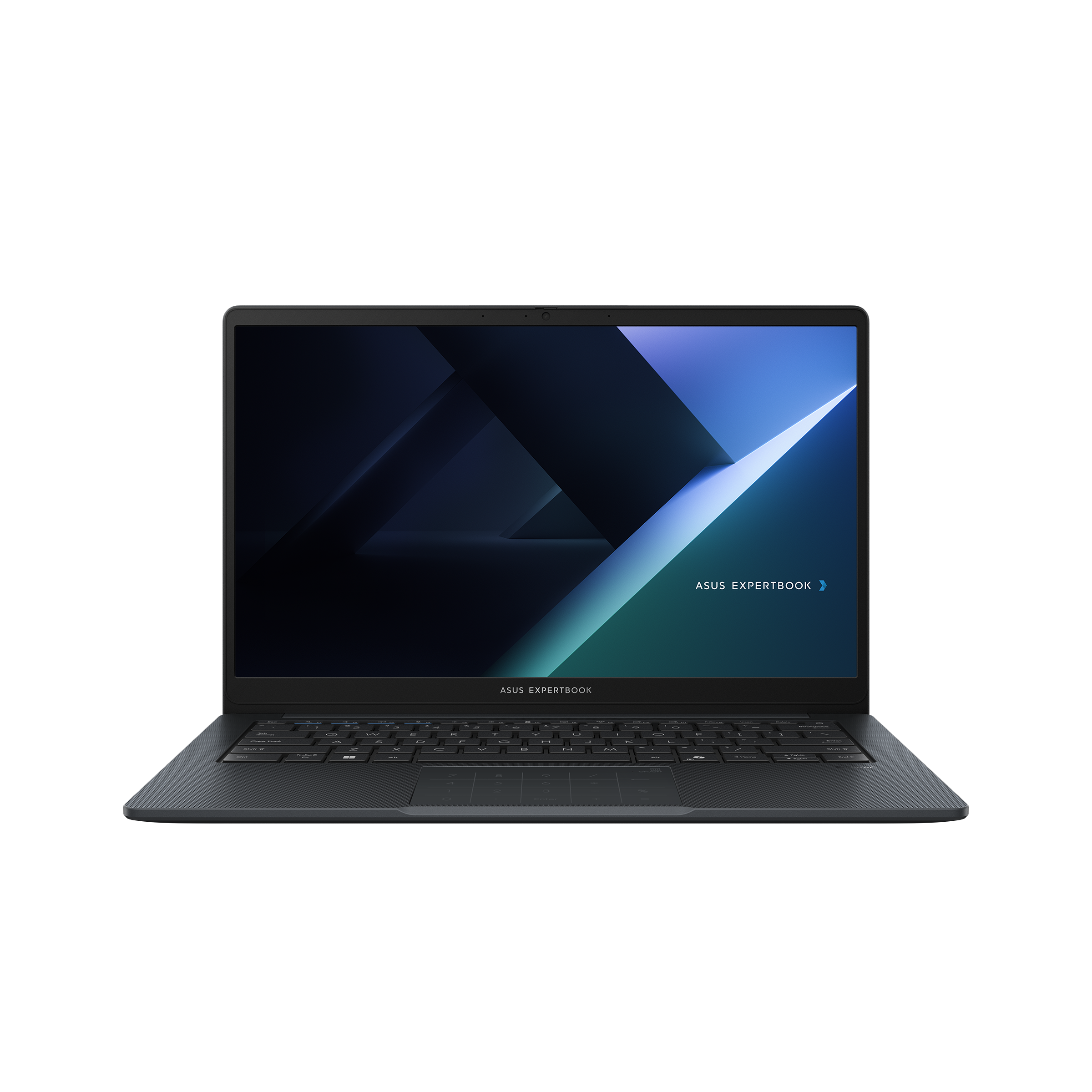
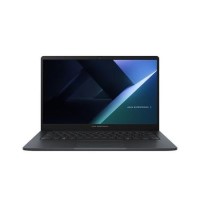
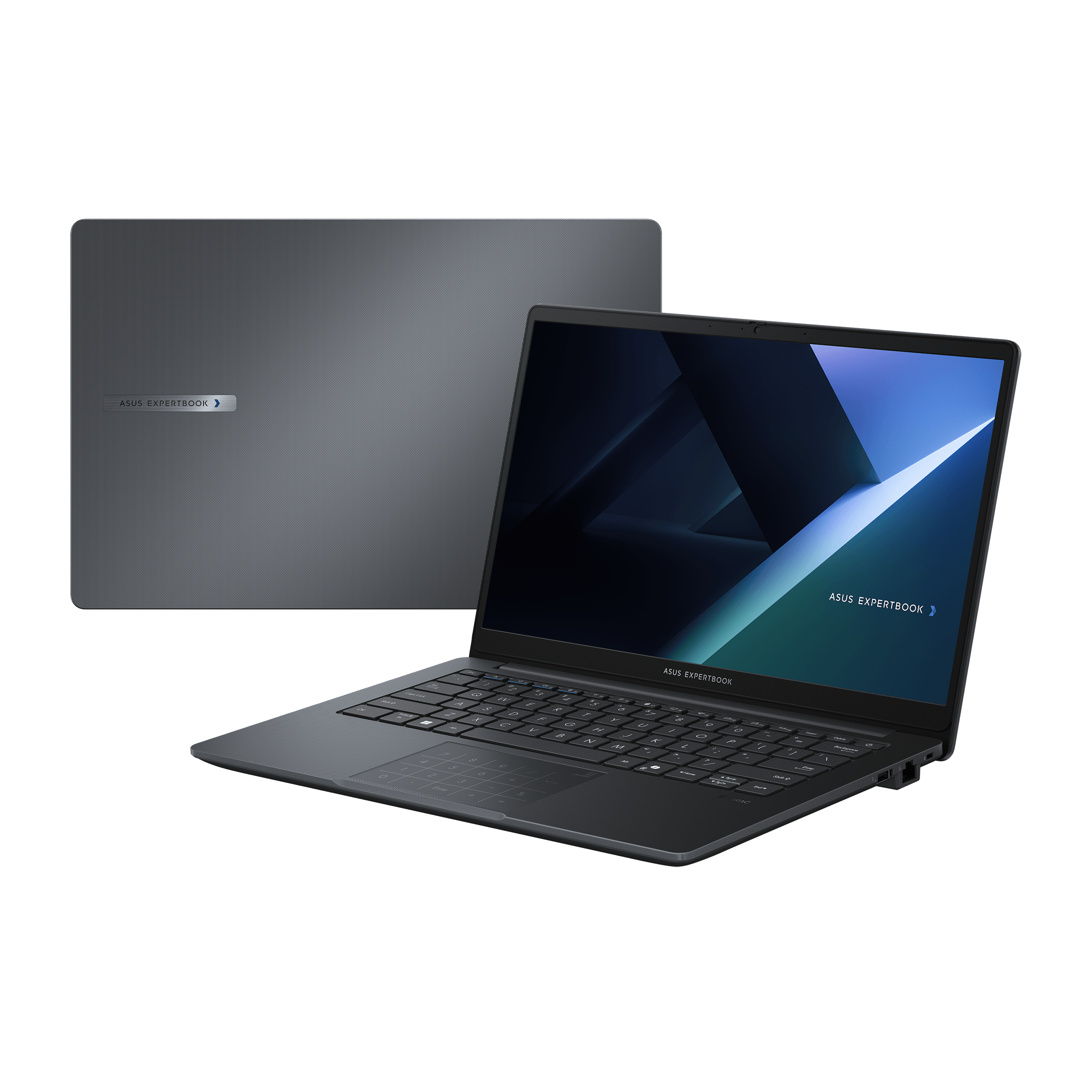
The ASUS ExpertBook B1 B1503CV-I715X combines a robust yet lightweight chassis designed to withstand the daily challenges of business use. Crafted from premium materials, this laptop offers durability without sacrificing portability, making it ideal for professionals on the go. Its clean, professional aesthetic suits corporate environments perfectly, ensuring it looks as smart as it performs.
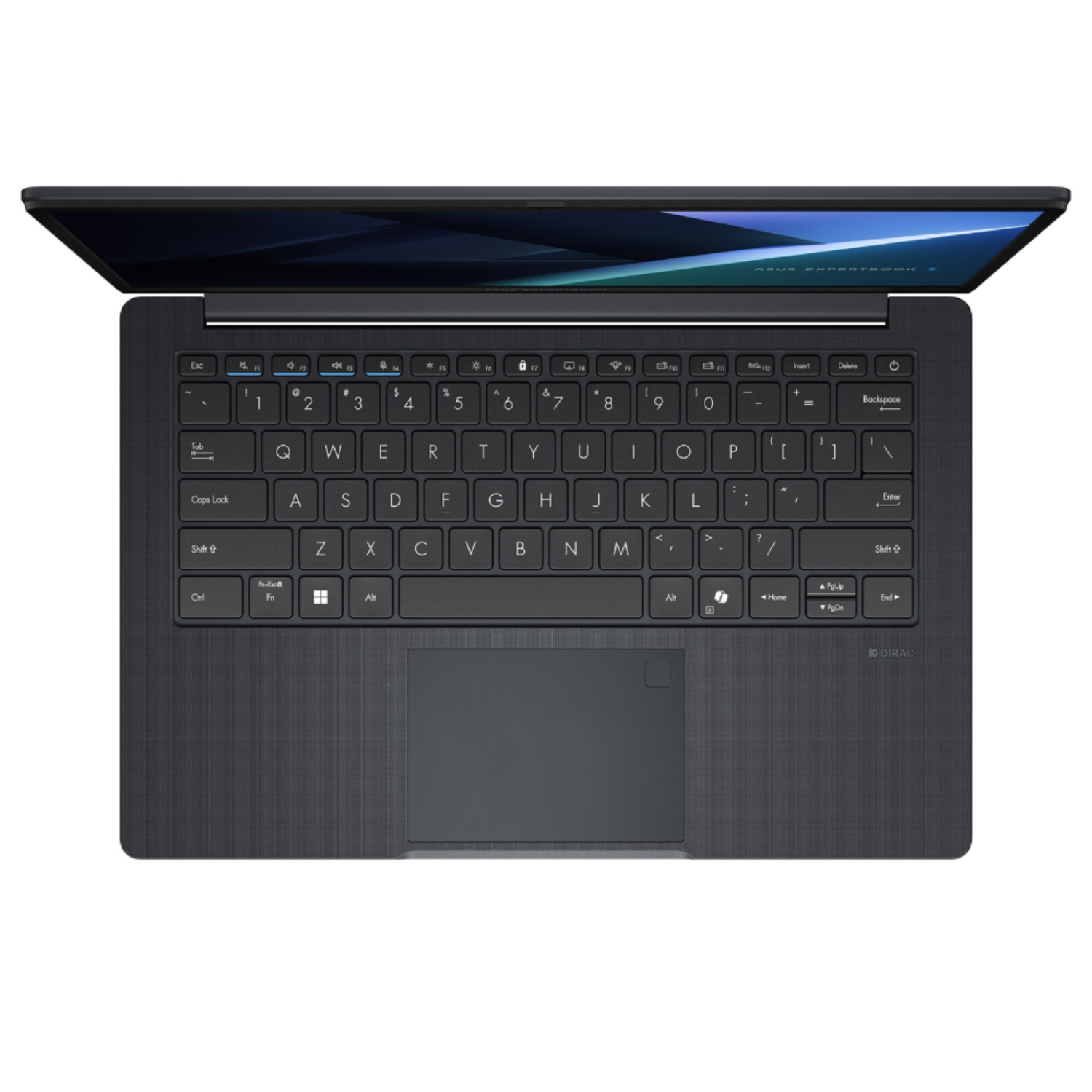
Vibrant 15.6-Inch Full HD Display with Anti-Glare Technology
Featuring a 15.6-inch Full HD (1920x1080) display, the ExpertBook B1 delivers bright, sharp images with excellent color accuracy. The anti-glare coating helps reduce reflections and eye fatigue, allowing users to work comfortably for extended periods, even in brightly lit settings. Wide viewing angles enhance collaboration by ensuring the screen remains clear from multiple perspectives.
High-Performance Intel Core i7-13620H Processor
Powered by the latest 13th generation Intel Core i7-13620H processor, this ExpertBook offers powerful performance for demanding business applications. The multi-core CPU excels in multitasking, complex data processing, and running resource-intensive software, ensuring smooth and efficient workflows. Combined with up to 16GB of DDR4 RAM, it delivers fast responsiveness and robust productivity for professional users.
Fast and Reliable Storage Solutions
Equipped with PCIe NVMe SSD storage, the ExpertBook B1 offers rapid boot times and fast data access that significantly reduce delays. The SSD enhances overall system responsiveness, enabling professionals to work efficiently without waiting for applications or files to load. The storage capacity provides ample space for business documents, multimedia, and essential software.
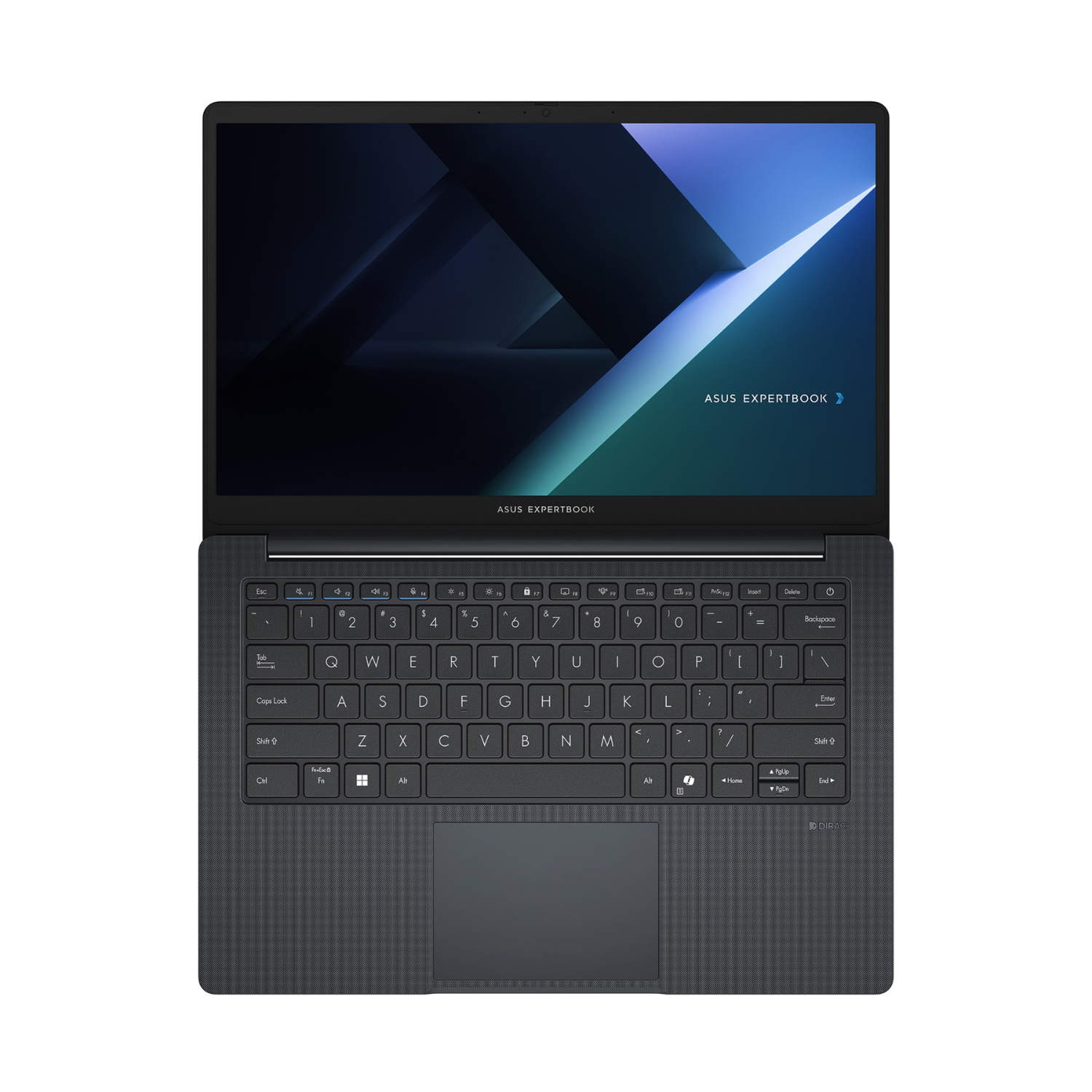
Extensive Connectivity Options for Professional Versatility
This ExpertBook model includes a wide range of connectivity ports, including USB Type-C, USB Type-A, HDMI, Ethernet, and a microSD card reader. These options support seamless connections to external monitors, wired networks, projectors, and various peripherals, making it adaptable to diverse work environments and setups.
Advanced Wireless Connectivity with Wi-Fi and Bluetooth 5.2
The laptop supports Wi-Fi 6E, the latest wireless standard, delivering ultra-fast and stable internet connectivity ideal for video conferencing, cloud computing, and large file transfers. Bluetooth 5.2 further enhances wireless device pairing, allowing hassle-free connection to headphones, mice, and keyboards while maintaining a clutter-free workspace.
Robust Security Features to Safeguard Sensitive Data
Security is paramount with the ExpertBook B1, featuring a Trusted Platform Module (TPM) 2.0 for hardware-level encryption that safeguards sensitive business information. The integrated fingerprint sensor allows secure and quick biometric login through Windows Hello, enhancing data protection. Additionally, the physical webcam privacy shutter ensures user privacy by blocking the camera when not in use.
Enhanced Audio and Video for Clear Communication
The ASUS ExpertBook B1 B1503CV-i515X includes stereo speakers and AI noise-cancelling microphones to provide clear, professional audio during virtual meetings and presentations. The HD webcam delivers sharp video quality, facilitating engaging and effective communication in remote and hybrid work environments.