












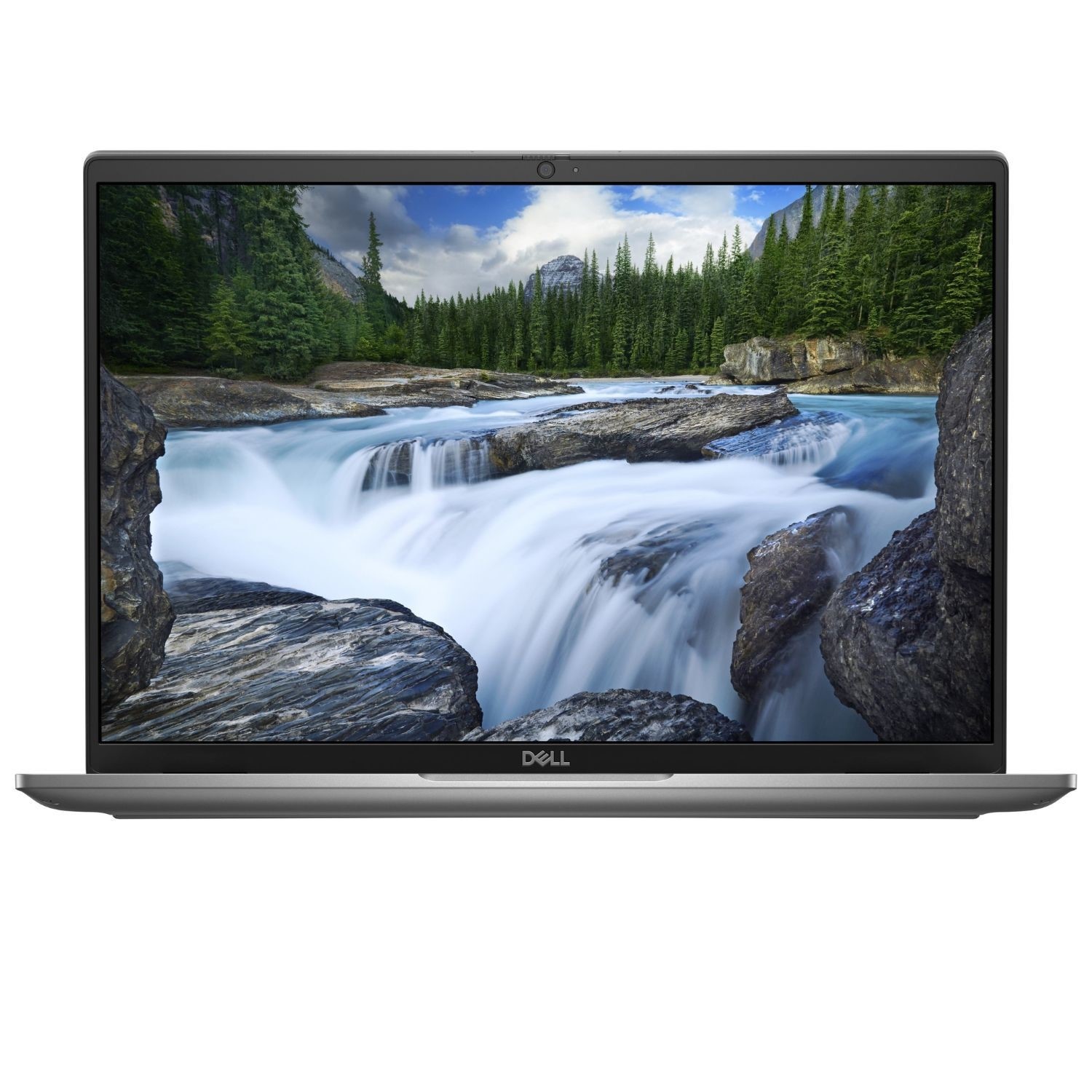
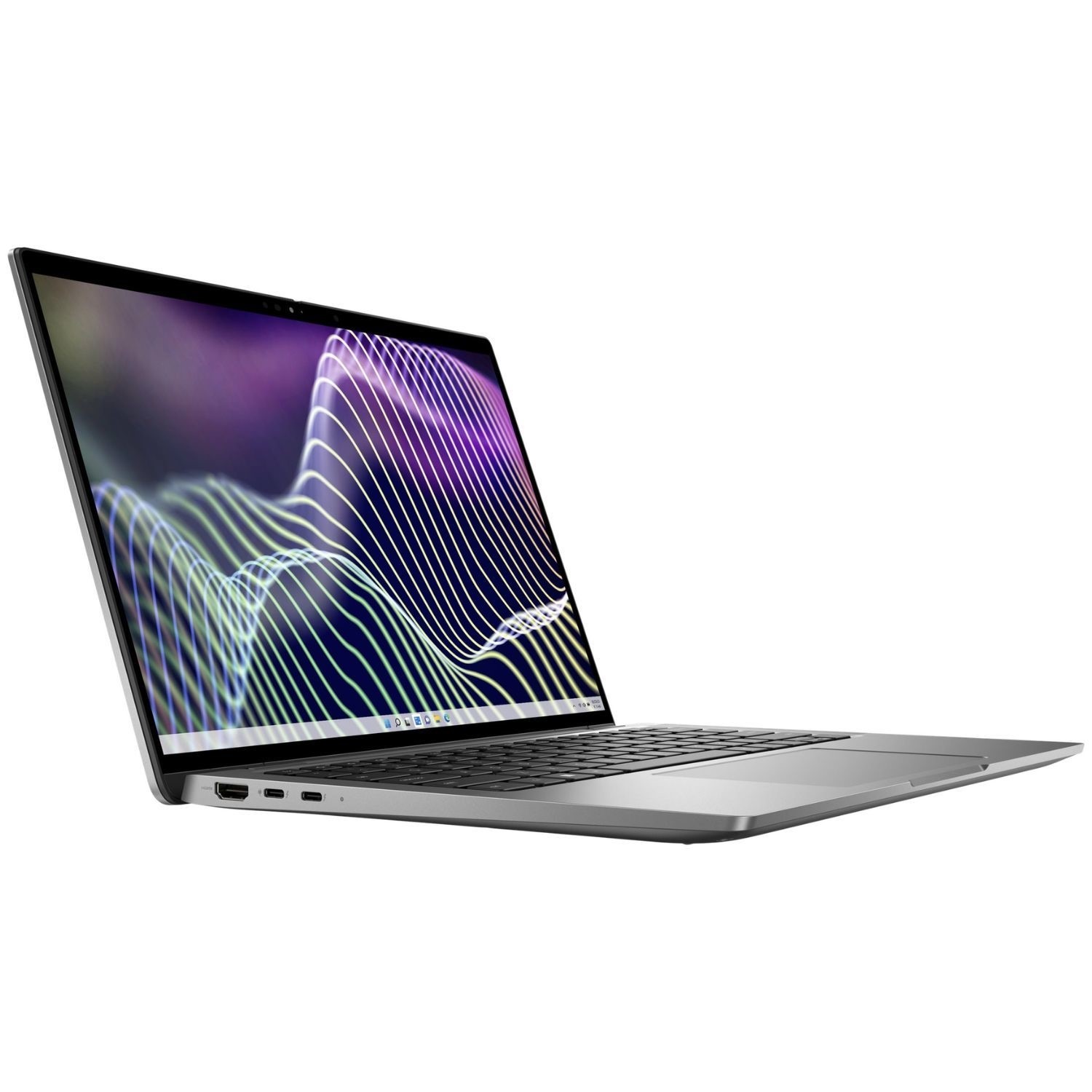






Excellent cosmetic condition - looks like new and saves you money.


Save money
Enjoy significant savings without compromising on quality.

Reduce waste
Reduce electronic waste and lower your carbon footprint.

Extensively Tested
Every refurbished device is rigorously tested and repaired by certified technicians.

Warranty included
This device is protected with a warranty covering both parts and labour.
GRADE A1
Light. Durable. Beautiful.
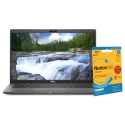
Latitude 7440 Ultralight Laptop is the world's smallest and lightest 14" premium commercial laptop – ideal for busy professionals on the move. Latitude 7440 Ultralight comes in a durable ultralight magnesium chassis and stunning River color. It has an aluminum chassis in Titan Gray color is also offered in a laptop.
Designed to impress
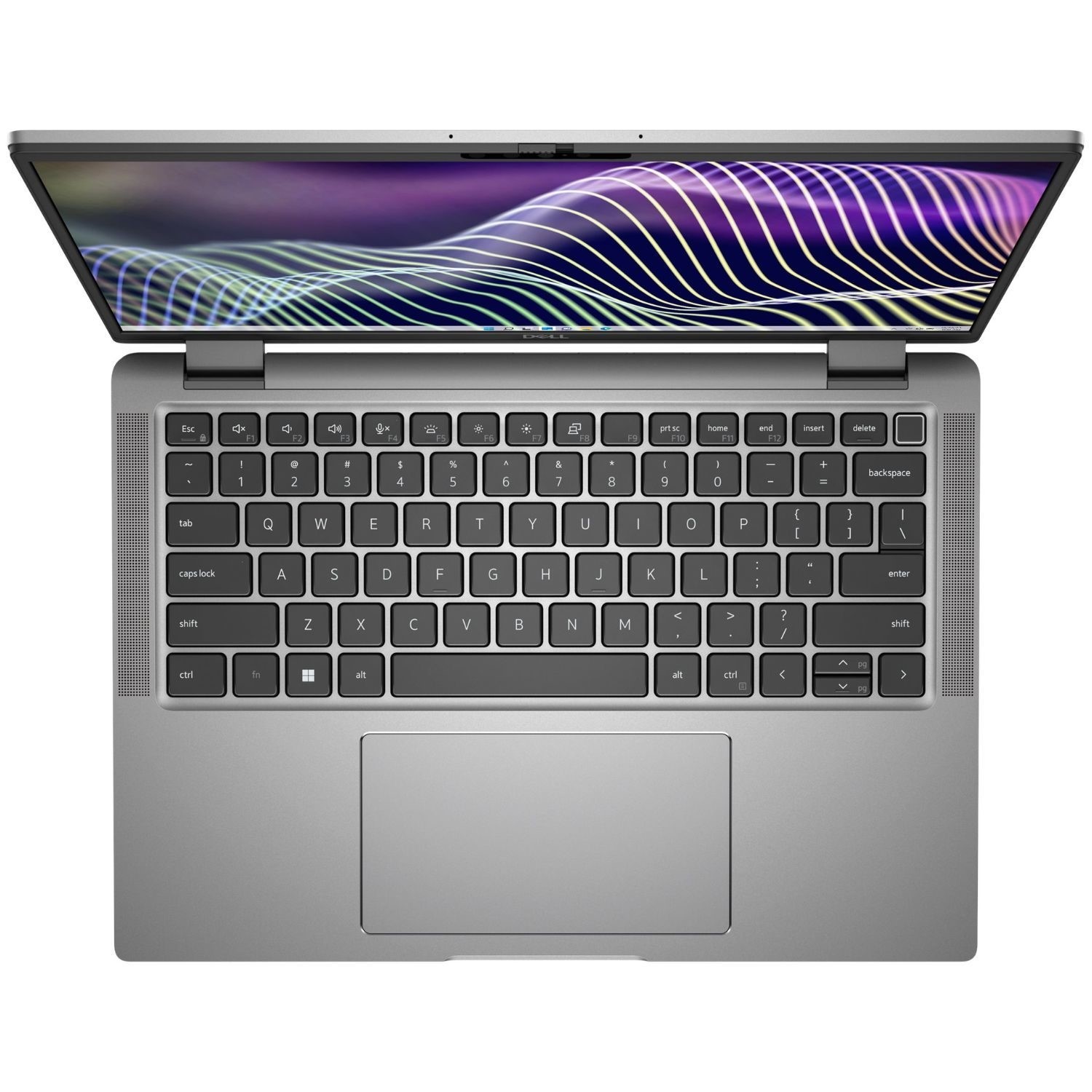
World’s first premium commercial laptop with optional battery-saving Mini-LED backlit technology, which reduces keyboard power usage by up to 75% and increases battery life.
New 16:10 aspect ratio features 5% more productivity area. Optional battery-saving display consumes less power to help maximize battery run time. ComfortView Plus options are TUV-certified to reduce harmful blue light and keep your eyes comfortable while you work.
24% larger clickpad with improved feel and more room for navigation.
Better connected than ever
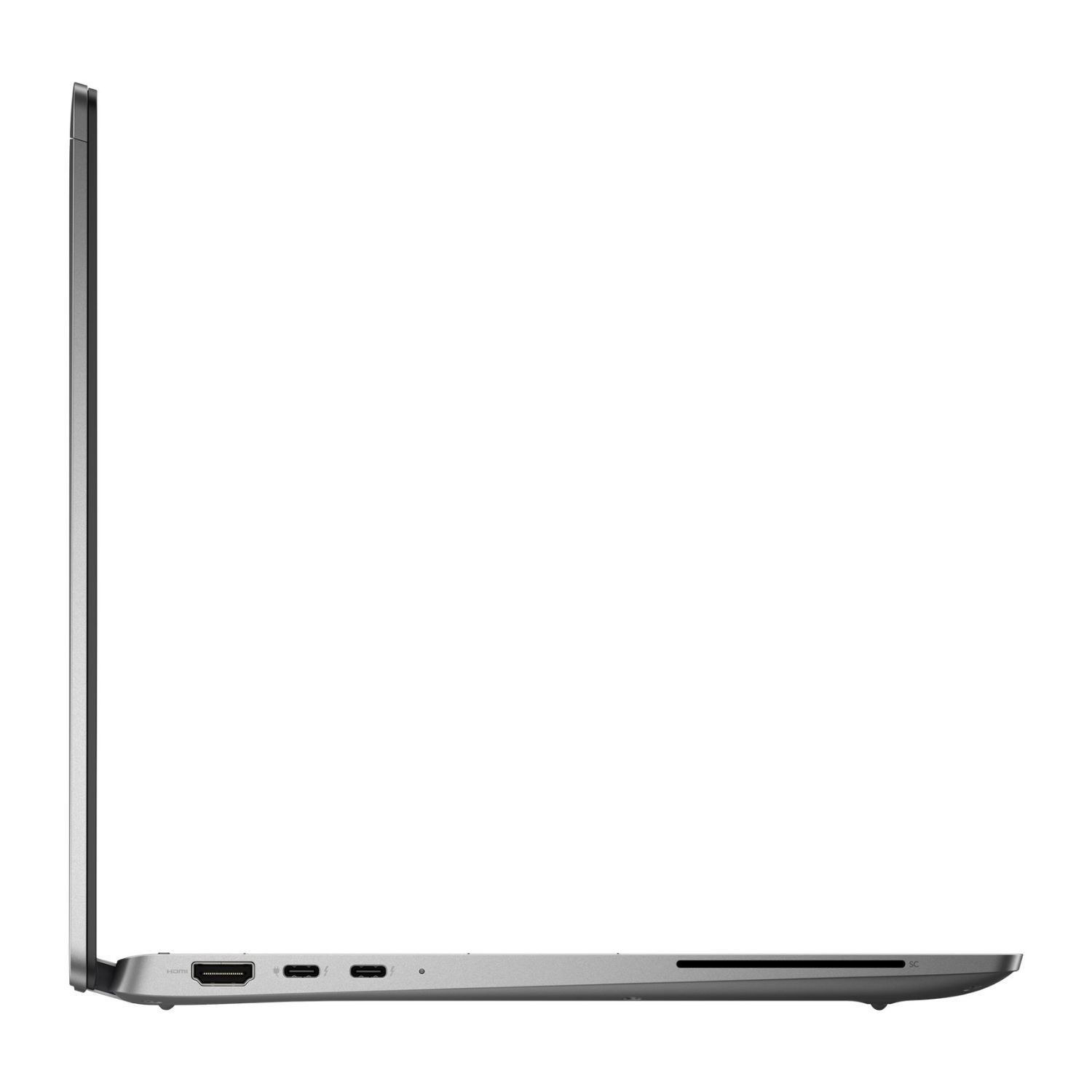
Available Wi-Fi 6E and 5G options make sure you’re always connected at the industry’s fastest speeds. Bluetooth allows you to connect to your favorite peripherals without dongles. ExpressConnect joins the best available network, prioritizes conferencing apps and delivers faster data and video downloads with the world’s first simultaneous multi-network connection.
Smart about security and privacy
The industry's most secure commercial PCs offer Dell Safe ID with a dedicated security chip to store and process fingerprint reader credentials, Dell SafeBIOS, TPM chip and lock slot options and pass MIL-STD 810H tests. Optional ExpressSign-in detects your presence to wake your system and locks your PC when you walk away. Optional Intelligent Privacy features from Dell Optimizer help keep sensitive data private. Onlooker detection texturises your screen when prying eyes are detected, while Look Away Detect recognises when your focus is elsewhere and dims to further protect privacy and save battery life.
Performance at your fingertips
Thermal innovations optimize performance while keeping your PC cool and quiet with new rear venting and user selectable thermal tables. These PCs featuring Intel vPro®, an Intel® Evo™ design capability, powered by the 13th Gen Intel® Core™ processors, are built for what IT needs with the power, responsiveness and battery life that business multitaskers want. Available in either U/P-Series. Battery optimization – ExpressCharge analyzes usage to extend run time and charge faster when you need a boost in power. Advanced Charge prevents overcharging to extend battery life.
Optimized for the way you work
Intelligence built around you – Automatically personalize and boost the performance of your Latitude and its entire ecosystem with Dell Optimizer, an AI-based optimization software that learns and responds to the way you work.
Personalized performance – Intelligence and machine learning elevate productivity by automating performance features across your entire ecosystem. Get the world’s most intelligent collaboration experience with smart audio conferencing, connectivity and productivity features, all in one software. Safe, Secure and Manageable – Optimization and data collection follow a stringent process to ensure your privacy and security. Easily set up and customize Dell Optimizer features with modular installation.



