Appliances Direct
Laptops Direct
Drones Direct
Better Bathrooms
Furniture 123
Dehumidifiers
Outdoor Living
Aircon
Buying for Business?

Get sales advice from our team 7 days a week

0871 244 0934

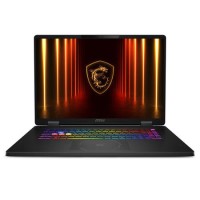
Refurbished MSI Crosshair 18 HX AI Intel Core Ultra 9 16GB RAM 1TB SSD RTX 5060 240Hz 18 Inch Windows 11 Gaming Laptop

SKU: A2/9S7-184111-005 Quickfind Code: 2058799
SAVE 25%

This product is no longer available.

Still need help?

For help finding something similar, just give us a call on 0871 244 0934*

* Calls cost 13p per min plus your network access charge

Stand out features

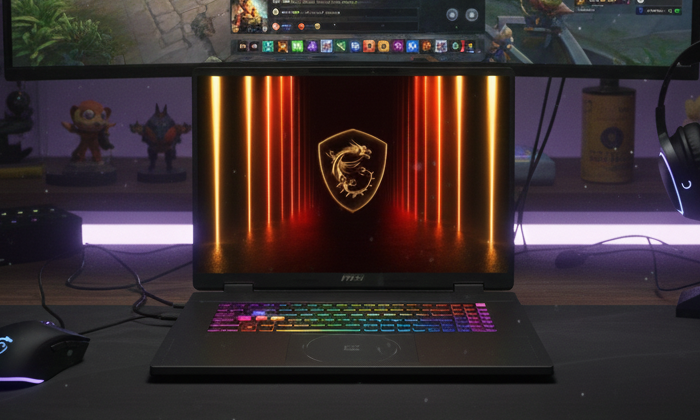
CROSSHAIR 18 HX AI A2XW

CROSSHAIR 18 HX AI A2XW

A powerful upgrade just dropped in your area: Crosshair 18 HX AI A2XW is bigger and stronger with toughness in its design, loaded with cutting-edge specs that bring tactical advantage to your game. Pick up the loot, aim with precision, and strike with power!
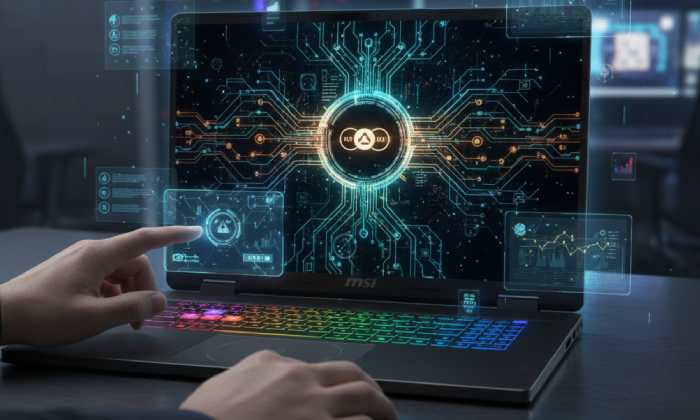
Now Even Smarter

Now Even Smarter

Experience smarter productivity featuring Copilot and MSI AI Engine for seamless multitasking. These advanced AI tools adapt to your needs, optimising performance and streamlining workflows effortlessly.
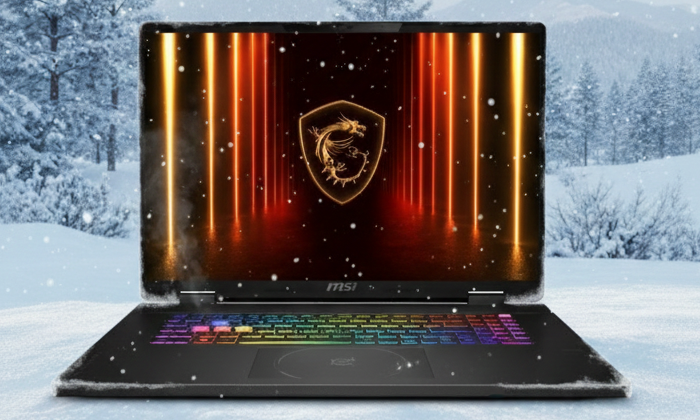
Reshaped for Max Cooling

Reshaped for Max Cooling

The new cooling vent with shared-pipe design, up to 6 heat pipes between CPU and GPU, a larger thermal pipe's internal diameter and MSI exclusive thermal grease, you can be assured of getting the maximum performance while extreme gaming.
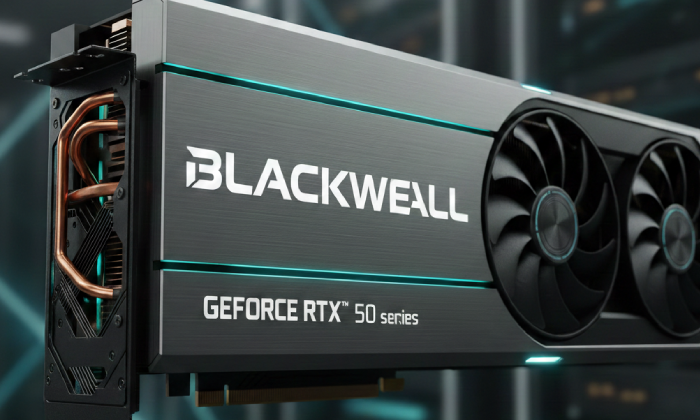
GeForce RTX 50 Series Laptops Game Changer

GeForce RTX 50 Series Laptops Game Changer

Powered by NVIDIA Blackwell, GeForce RTX™ 50 Series Laptop GPUs bring game-changing capabilities to gamers and creators. Equipped with a massive level of AI horsepower, the RTX 50 Series enables new experiences and next-level graphics fidelity. Multiply performance with NVIDIA DLSS 4, generate images at unprecedented speed, and unleash your creativity with NVIDIA Studio. All in the thinnest and longest-lasting RTX laptops, optimised by Max-Q.

Some devices may come with Windows 11 pre installed, but some may need manually updating to the latest version of Windows from Windows 10, 10s or 11s. It's easy and free to do in just 3 easy steps. Find out how by clicking here »

How To Easily Update Your Windows Laptop

Some devices may come with Windows 11 pre installed, but some may neeed manually updating to the latest version of Windows from Windows 10, 10s or 11s. It's easy and free to do in just 3 easy steps.

Windows 11 the most productive and secure version of windows yet with easy Navigation, easy organisation and faster performance. Windows 11 has all the power and security of past Windows verisions but with a redesigned and refrshed look. With new tools, sounds and apps that all come together to bring a new refreshing Windows experience.

1. Settings > On your device Select the start button, then click on settings.

2. Updates & Security > Click on Updates & Security.

3. Windows Update > Select check for updates. If updates are available, click instal to get the latest version of Windows.


You may also like

Recently viewed


Back to top