














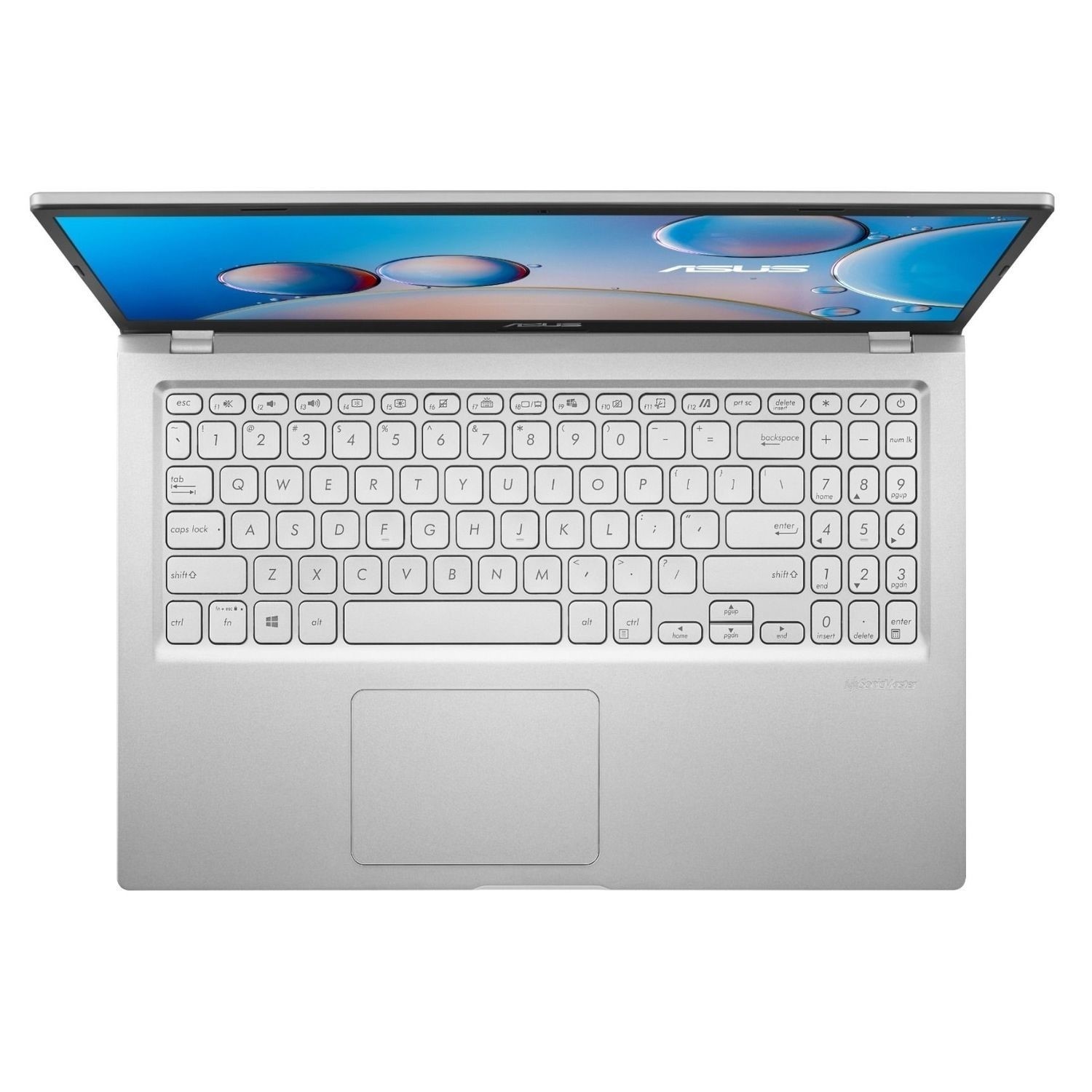







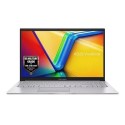

Very good condition - may display light cosmetic marks


Save money
Enjoy significant savings without compromising on quality.

Reduce waste
Reduce electronic waste and lower your carbon footprint.

Extensively Tested
Every refurbished device is rigorously tested and repaired by certified technicians.

Warranty included
This device is protected with a warranty covering both parts and labour.
Be productive with the VivoBook X515JA
Featuring a 10th gen Intel Core i7 processor you can expect a smooth performance, even when running demanding software. And with premium Sonic Master Audio, even your favourite Netflix show will be super immersive.
Empower your dynamic lifestyle!
With an overall weight of just 1.8 kg2, the extremely portable ASUS X515JA is the lightweight laptop that keeps up with your fast-paced lifestyle.
Exactly your type
You really will get immersed in the big picture thanks to the frameless NanoEdge display, so your favourite shows will look their best on the crisp, high-resolution IPS screen. It delivers vivid, accurate colours meaning nature documentaries will look as good as they ever have.
Constantly connected
The VivoBook X515JA has all the ports you need to set up a workstation. Hook up extra monitors using USB Type-C and HDMI or use the standard USBs for your peripherals and charging. Featuring an all-new interface, improved Start menu and multi-tasking tools to enhance your productivity, Windows 11 is here.
Memory & Storage
The laptop comes with 8GB of RAM, allowing for smooth multitasking and efficient handling of demanding applications. It has a generous storage capacity of 512GB, providing ample space for storing files, documents, and multimedia content.
Display
The laptop features a 15.6-inch Full HD display, offering a crisp and vibrant visual experience for work and entertainment.
Operating System
It comes pre-installed with Windows 10 S, a streamlined version of Windows 10 that offers enhanced security and faster performance.
Design
The Asus Vivobook 15 X515JA sports a sleek and modern design, making it aesthetically appealing. It is also lightweight and portable, making it convenient for on-the-go use.
Connectivity
It offers various connectivity options, including USB Type-C, USB Type-A, HDMI, and an SD card reader, allowing for easy connectivity with external devices.
Audio
It incorporates Asus SonicMaster technology, delivering immersive audio with clear and rich sound quality.
Keyboard and Touchpad
The laptop is equipped with a comfortable keyboard and a spacious touchpad, providing a smooth and responsive input experience.



