












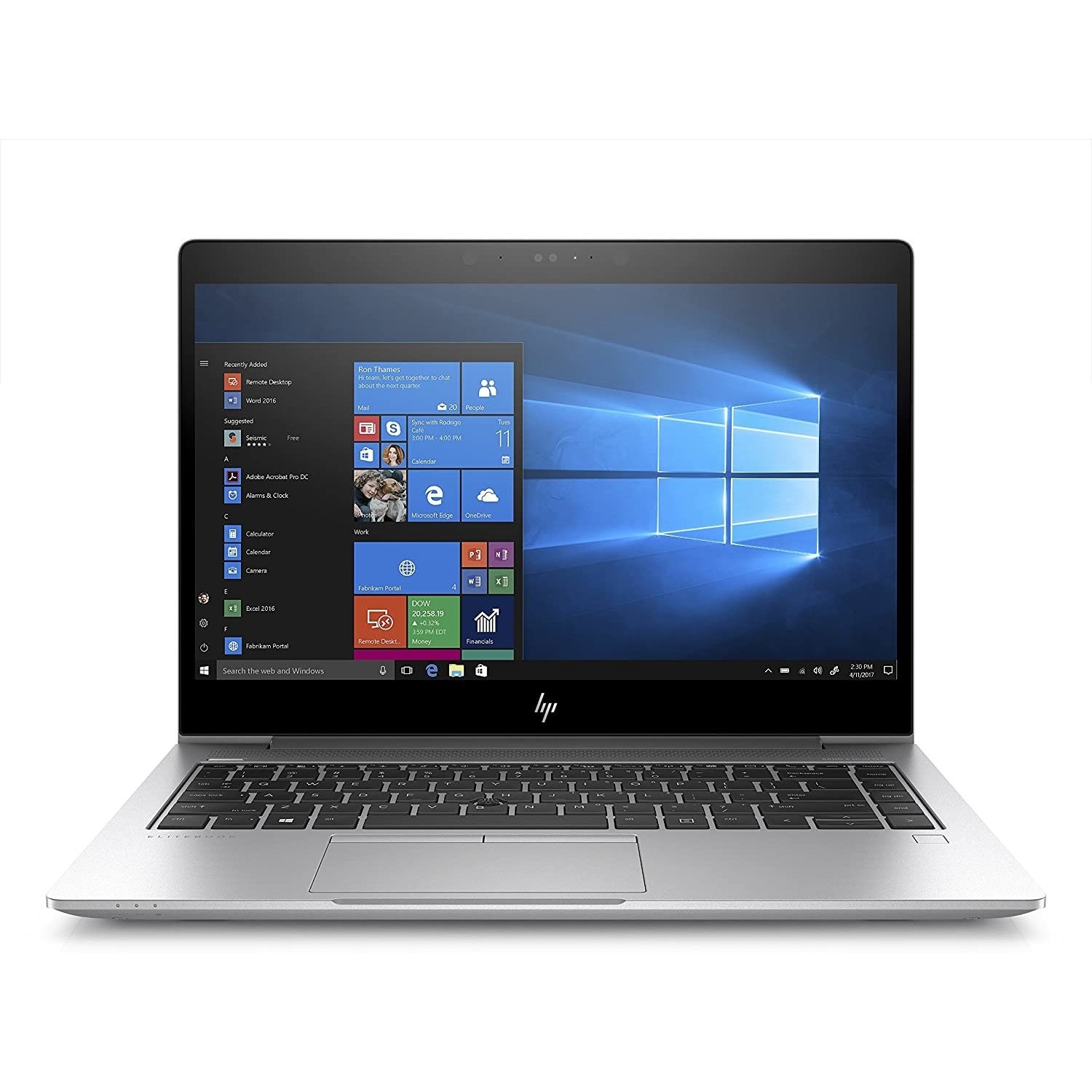
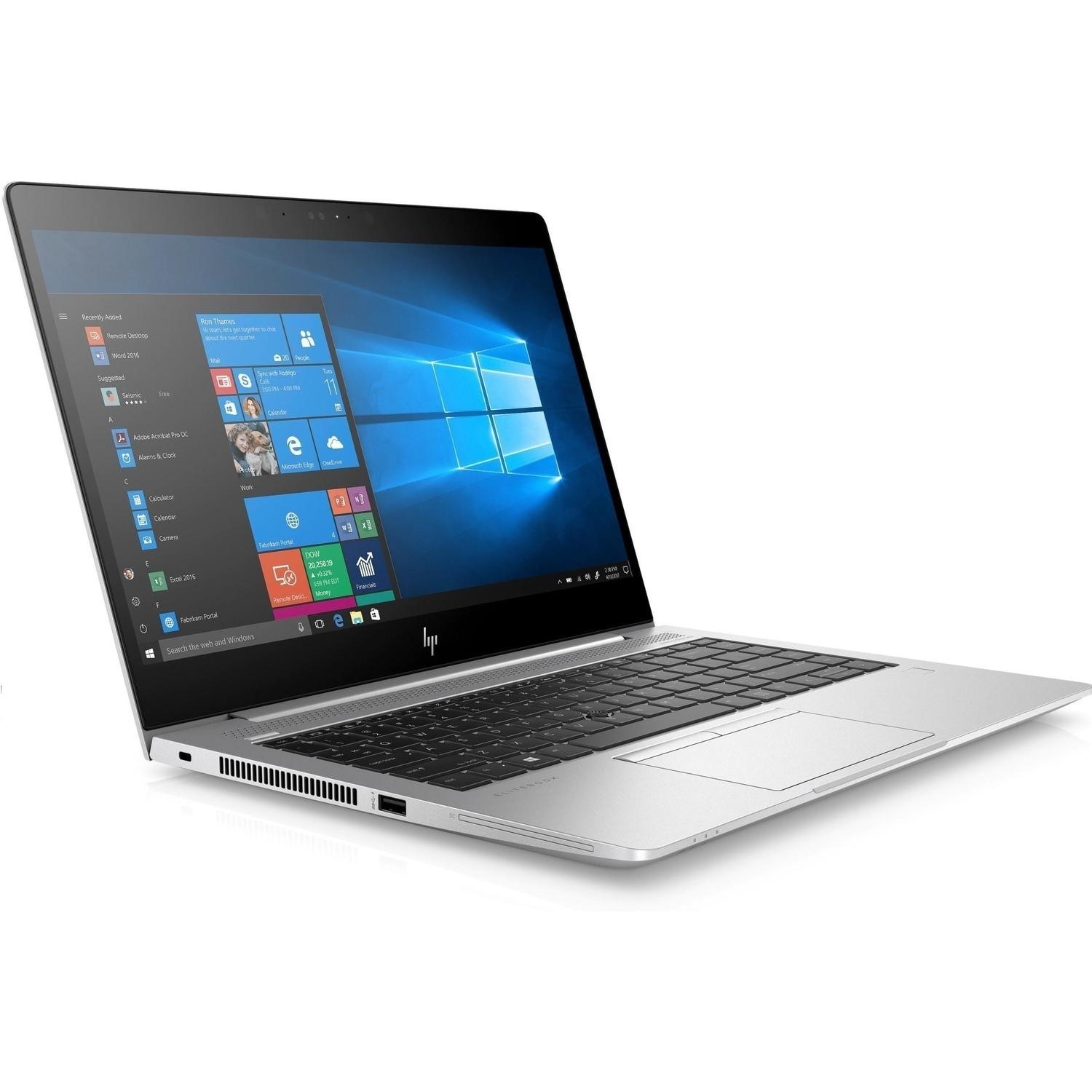
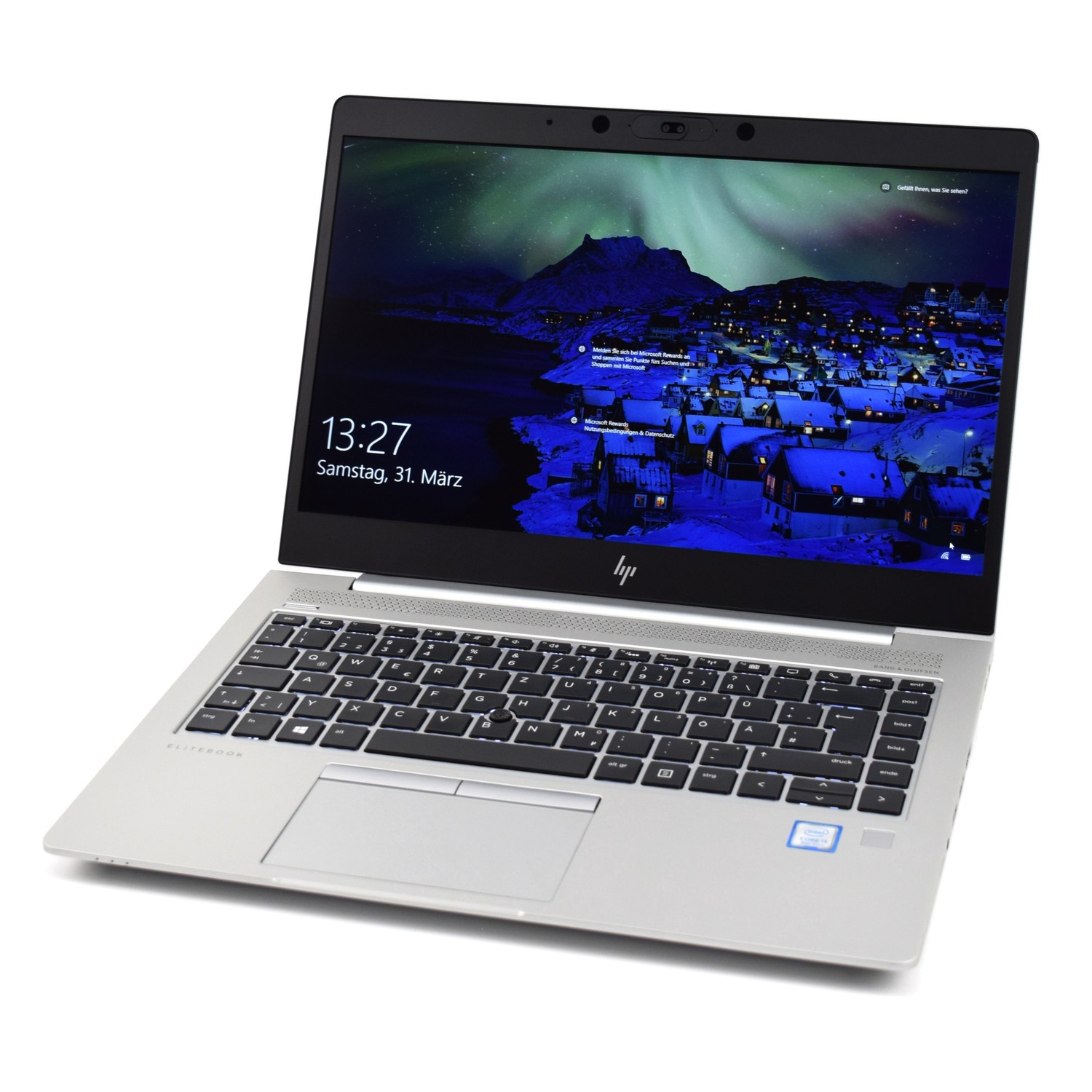
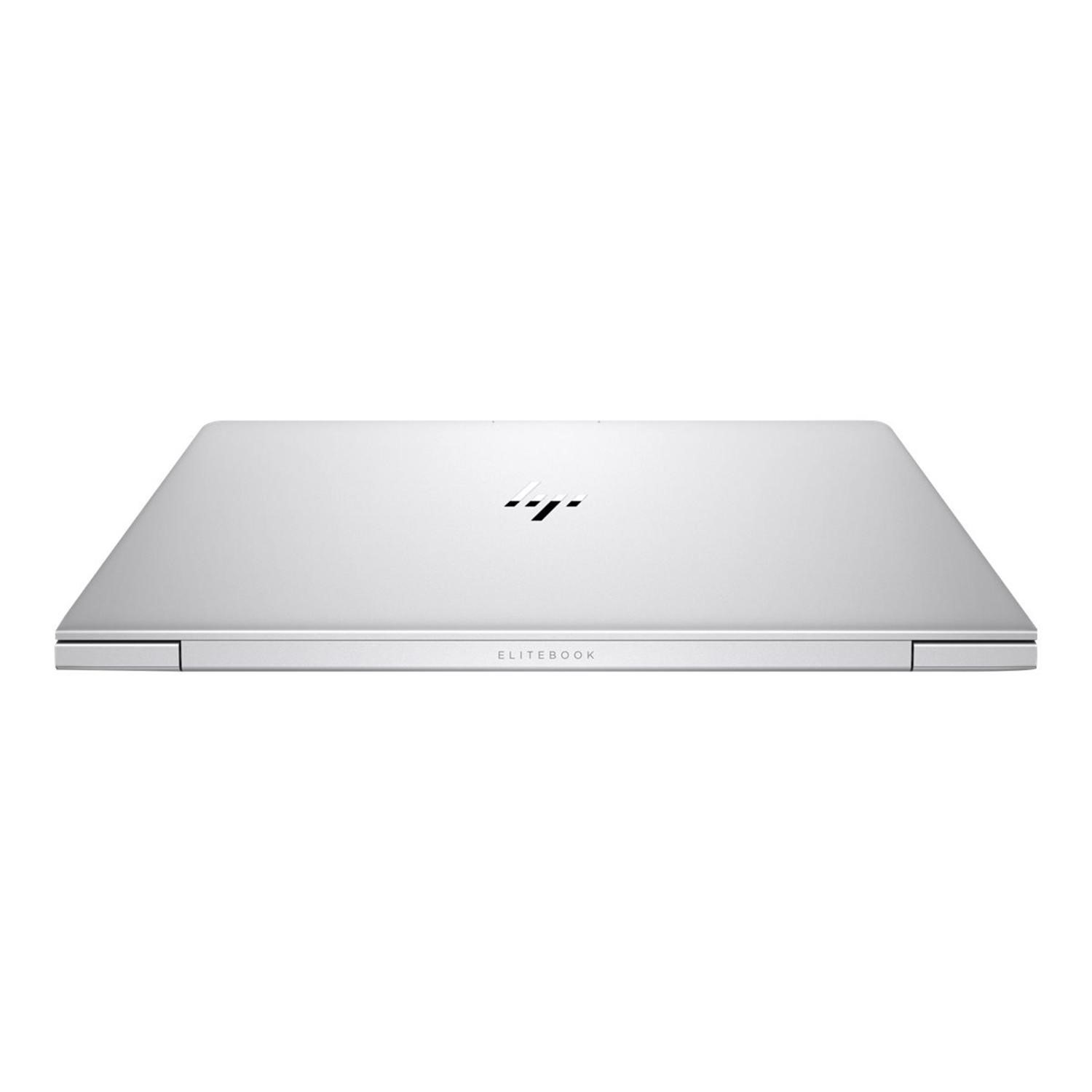



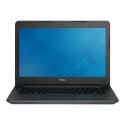

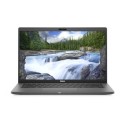
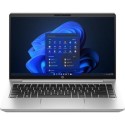
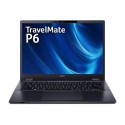


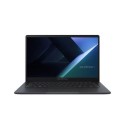

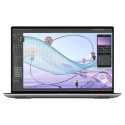

Good condition - Some scratches or dents


Save money
Enjoy significant savings without compromising on quality.

Reduce waste
Reduce electronic waste and lower your carbon footprint.

Extensively Tested
Every refurbished device is rigorously tested and repaired by certified technicians.

Warranty included
This device is protected with a warranty covering both parts and labour.
Brilliant design
This ultra-slim, precision-crafted aluminum laptop with a narrow-border display goes anywhere and looks great doing it.
Built on a secure foundation
Protect your PC against the evolving malware threats of the future with self-healing, hardware-enforced, and manageable security solutions from HP.
Crystal-clear collaboration
Calls sound crisp and clear with advanced collaboration features like HP Noise Cancellation. Loud top-firing speakers produce rich sound. The world-facing third microphone and collaboration keys help make PC calls productive.
Let nothing stand in your way
Power through your day with Windows 11 Pro and the powerful, sleek, thin, and light HP EliteBook 840. Self-healing safeguard HP Sure Start Gen3 monitors in-memory BIOS, recovers the platform without intervention, restores the BIOS to a custom state, and is enterprise ready for centralized management.
Powerful
The HP 840 G5 comes with a powerful Core i7 processor and 16GB of RAM plus a 512SSD, providing a high level of performance to help you power through any task.
Get PC images right the first time
Improve the quality and security of custom Windows images with HP Image Assistant which assists ITDMs with image creation, identifies problems, and provides recommendations and remediation.
Give your speakers a boost
HP Audio Boost balances loudness and clarity, and enhances bass for improved speech quality.



