












Appliances Direct
Laptops Direct
Drones Direct
Better Bathrooms
Furniture 123
Dehumidifiers
Outdoor Living
Aircon
Buying for Business?

Get sales advice from our team 7 days a week

0871 244 0934

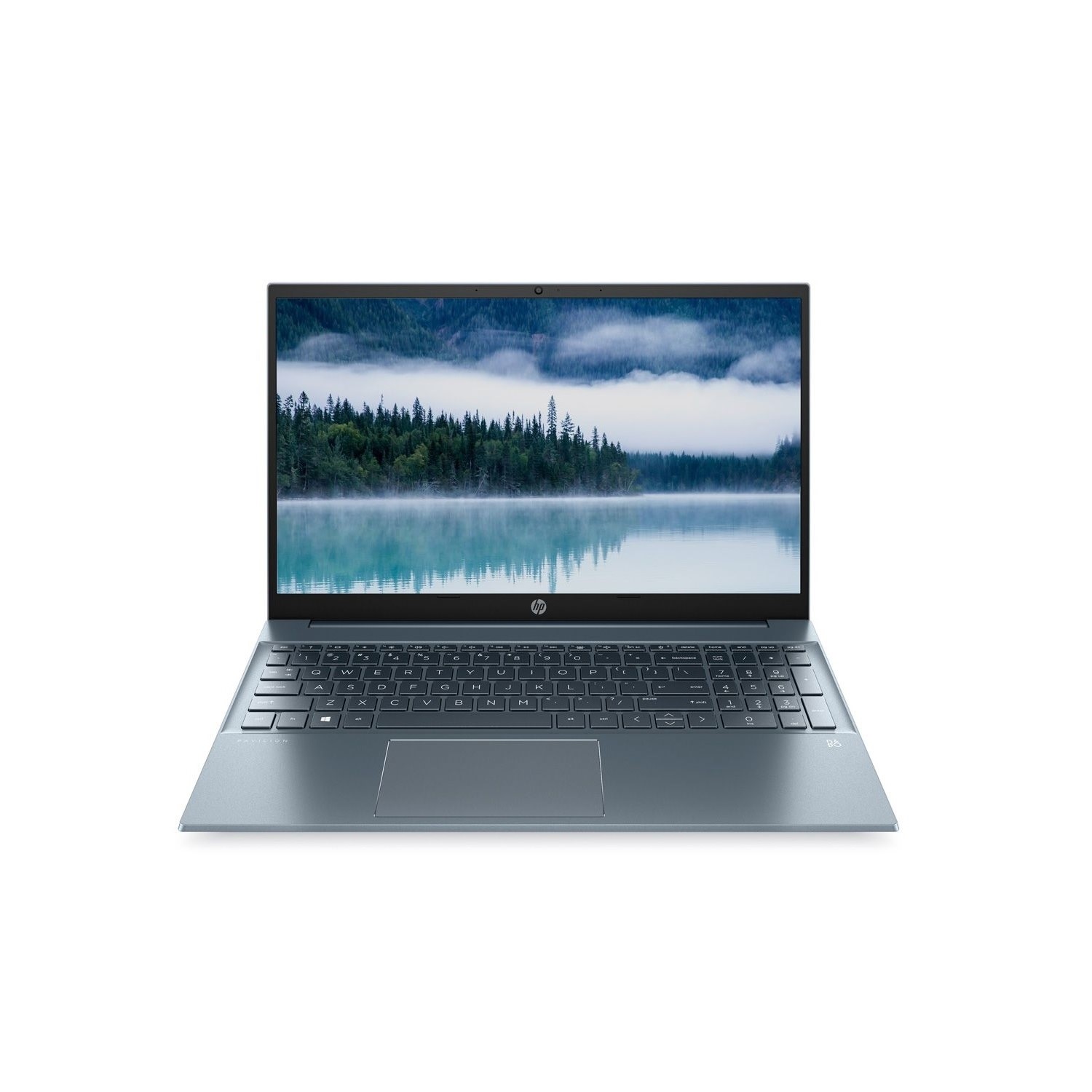
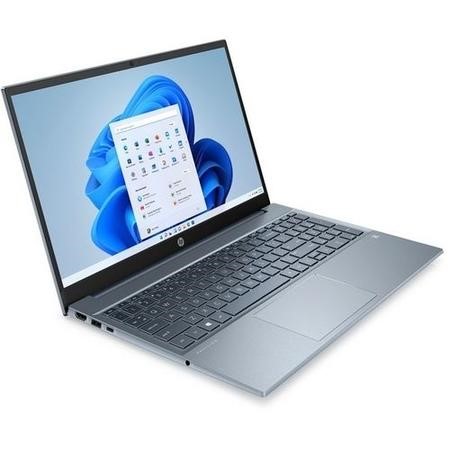
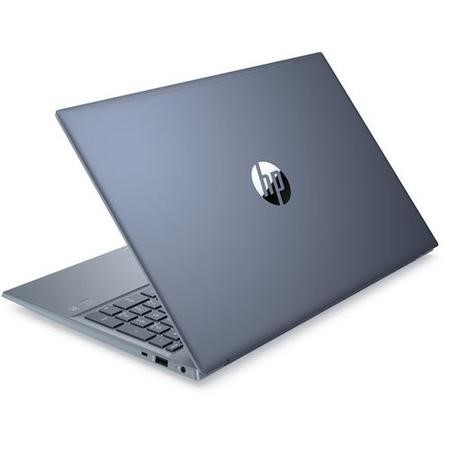
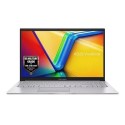
Refurbished HP Pavilion 15-eh1504sa AMD Ryzen 5 5500U 8GB 512GB 15.6 Inch Windows 11 Laptop - Fog Blue

SKU: A1/6L7L0EA Quickfind Code: 1802845
SAVE 7%

This product is no longer available.

Still need help?

For help finding something similar, just give us a call on 0871 244 0934*

* Calls cost 13p per min plus your network access charge

Excellent Condition

Excellent cosmetic condition - looks like new and saves you money.

Cost Saving
Save money

Enjoy significant savings without compromising on quality.

Reduced Waste
Reduce waste

Reduce electronic waste and lower your carbon footprint.

Extensive Testing
Extensively Tested

Every refurbished device is rigorously tested and repaired by certified technicians.

Included Warranty
Warranty included

This device is protected with a warranty covering both parts and labour.

Why wait around? This HP Pavilion has an AMD Ryzen 5 processor that's got the power you need to get through large spreadsheets or breeze through browser tabs. With Amazon Alexa, you can get news and manage your smart devices with a few words.

Good to know

- Windows 11 has everything you need to be creative and express yourself

- Control your laptop with your fingertips on the Full HD IPS touchscreen

- Get everyone on camera on family video calls with the Wide Vision HD camera

- Fully focus on what's on your screen thanks to the micro-edge display

Some devices may come with Windows 11 pre installed, but some may need manually updating to the latest version of Windows from Windows 10, 10s or 11s. It's easy and free to do in just 3 easy steps. Find out how by clicking here »

How To Easily Update Your Windows Laptop

Some devices may come with Windows 11 pre installed, but some may neeed manually updating to the latest version of Windows from Windows 10, 10s or 11s. It's easy and free to do in just 3 easy steps.

Windows 11 the most productive and secure version of windows yet with easy Navigation, easy organisation and faster performance. Windows 11 has all the power and security of past Windows verisions but with a redesigned and refrshed look. With new tools, sounds and apps that all come together to bring a new refreshing Windows experience.

1. Settings > On your device Select the start button, then click on settings.

2. Updates & Security > Click on Updates & Security.

3. Windows Update > Select check for updates. If updates are available, click instal to get the latest version of Windows.


You may also like

Recently viewed


Back to top

