




















Excellent cosmetic condition - looks like new and saves you money.


Save money
Enjoy significant savings without compromising on quality.

Reduce waste
Reduce electronic waste and lower your carbon footprint.

Extensively Tested
Every refurbished device is rigorously tested and repaired by certified technicians.

Warranty included
This device is protected with a warranty covering both parts and labour.
Stand out features
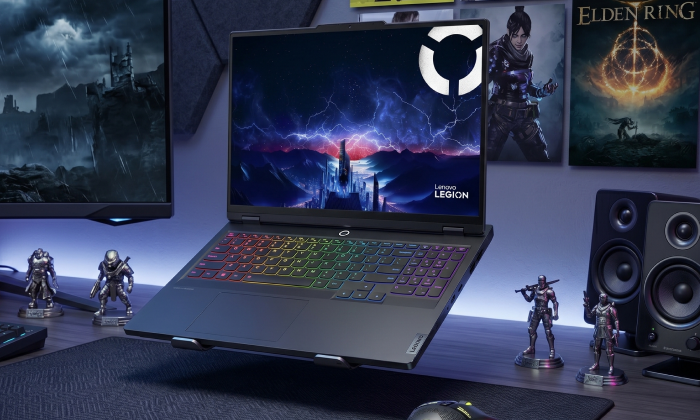
Intel Core Ultra 9 275HX: Elite Processing Power
At the heart of this machine is the Intel Core Ultra 9 275HX processor, featuring a massive 24 cores and 24 threads. With clock speeds reaching up to 5.4GHz and an integrated Intel AI Boost NPU, it provides the ultimate platform for high-end gaming, complex 3D rendering, and intensive multitasking. Whether you are competing in esports or managing heavy creative workloads, this CPU ensures a stutter-free, ultra-responsive experience.
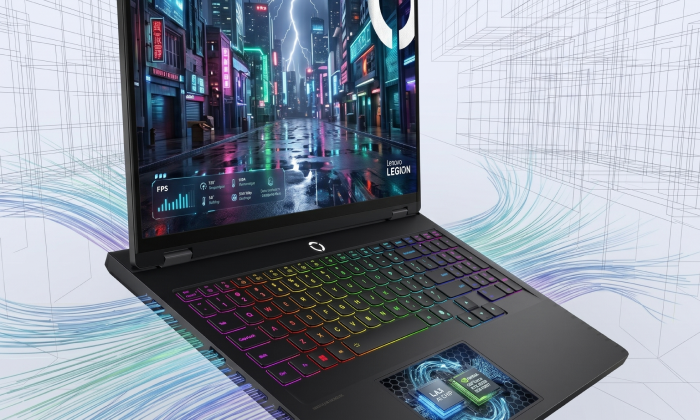
NVIDIA GeForce RTX 5060: Cutting-Edge Graphics
Equipped with the NVIDIA GeForce RTX 5060 8GB GDDR7 graphics card, the Legion 5 delivers stunning ray-traced visuals and AI-accelerated performance. Utilising the latest architecture, it provides significant improvements in frame rates and visual fidelity. Combined with the LA3 AI chip for dynamic performance tuning, you can enjoy the most demanding AAA titles at high settings with incredible smoothness.
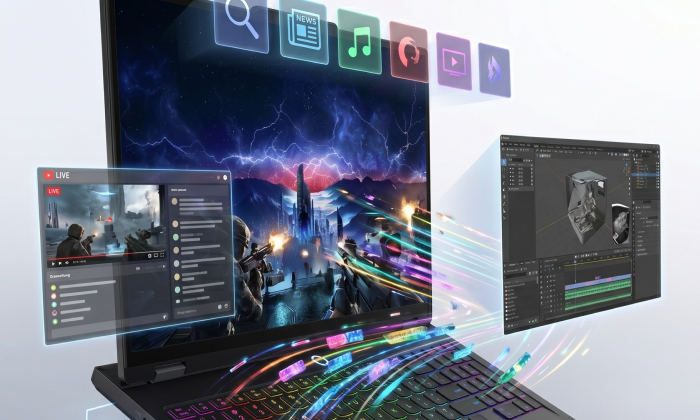
32GB DDR5 RAM: Seamless Multitasking Capacity
With 32GB of high-speed DDR5-5600MHz memory, this laptop is a multitasking beast. This extensive capacity allows you to run multiple resource-heavy applications simultaneously—such as streaming software, browser tabs, and high-fidelity games—without any drop in performance. The dual-channel configuration ensures maximum bandwidth for a seamless transition between gaming and professional productivity.
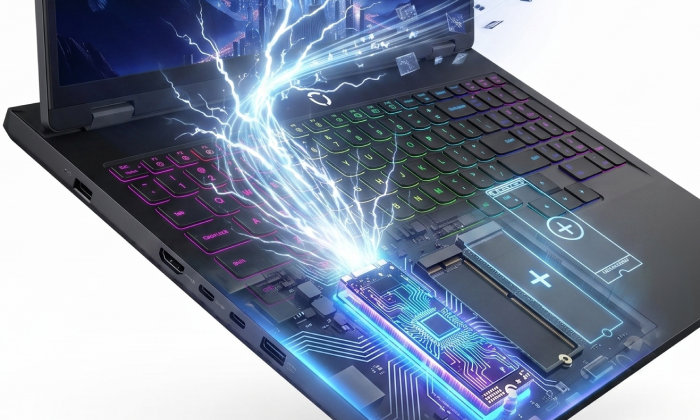
1TB PCIe 4.0 SSD: Ultra-Fast Storage
Featuring a generous 1TB M.2 PCIe Gen4 NVMe SSD, the Legion 5 offers lightning-fast boot times and near-instant loading for games and large data files. This modern storage solution provides ample space for your entire library while offering the reliability and speed required for a high-performance environment. With two M.2 slots available, the system also offers flexibility for future storage expansions.
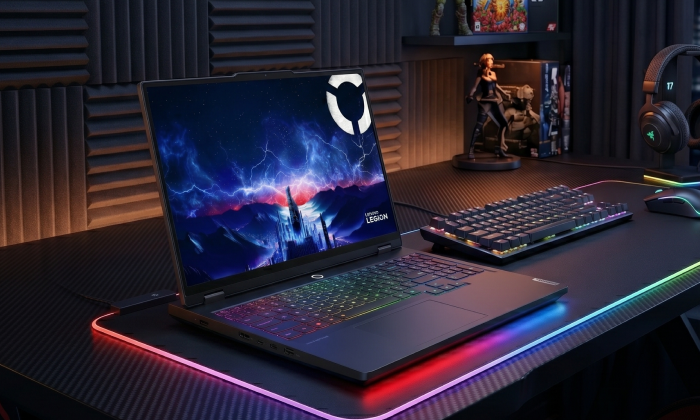
16-inch WQXGA 240Hz Display: PureSight Performance
The 16-inch WQXGA (2560 x 1600) PureSight Gaming display features a 16:10 aspect ratio and a blistering 240Hz refresh rate. With 500 nits of brightness and 100% DCI-P3 colour accuracy, visuals are not only fast but incredibly vibrant and precise. Supporting Dolby Vision and NVIDIA G-SYNC, the screen eliminates tearing and stuttering, providing a competitive edge and a superior cinematic experience.
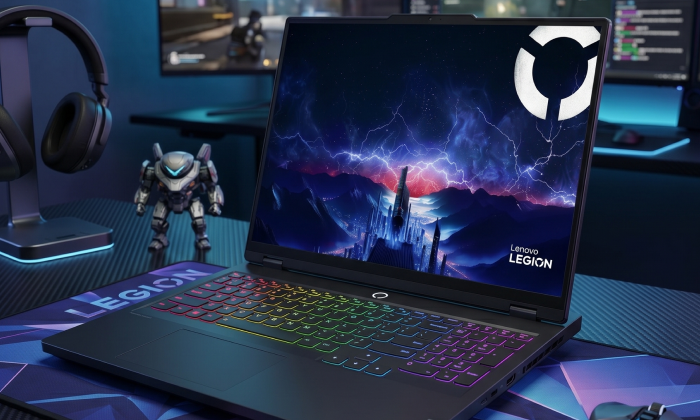
Wi-Fi 7 and Advanced Connectivity
The Lenovo Legion 5 is equipped with the latest Wi-Fi 7 and Bluetooth 5.4 for ultra-low latency wireless networking. Connectivity is comprehensive with a full set of ports including a Thunderbolt 4 (USB4) port, USB-C with Power Delivery, HDMI 2.1, and a dedicated RJ-45 Ethernet port. This ensures you have every connection needed for high-end peripherals, external displays, and reliable wired internet.