




Appliances Direct
Laptops Direct
Drones Direct
Better Bathrooms
Furniture 123
Dehumidifiers
Outdoor Living
Aircon
Buying for Business?

Get sales advice from our team 7 days a week

0871 244 0934

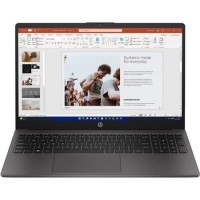
Refurbished HP 255 G10 AMD Ryzen 3 8GB RAM 256GB SSD 15.6 Inch Windows 11 Laptop

SKU: A1/B39RBAT Quickfind Code: 2064087
SAVE 43%

This product is no longer available.

Still need help?

For help finding something similar, just give us a call on 0871 244 0934*

* Calls cost 13p per min plus your network access charge

Excellent Condition

Excellent cosmetic condition - looks like new and saves you money.

Cost Saving
Save money

Enjoy significant savings without compromising on quality.

Reduced Waste
Reduce waste

Reduce electronic waste and lower your carbon footprint.

Extensive Testing
Extensively Tested

Every refurbished device is rigorously tested and repaired by certified technicians.

Included Warranty
Warranty included

This device is protected with a warranty covering both parts and labour.


Nice and light
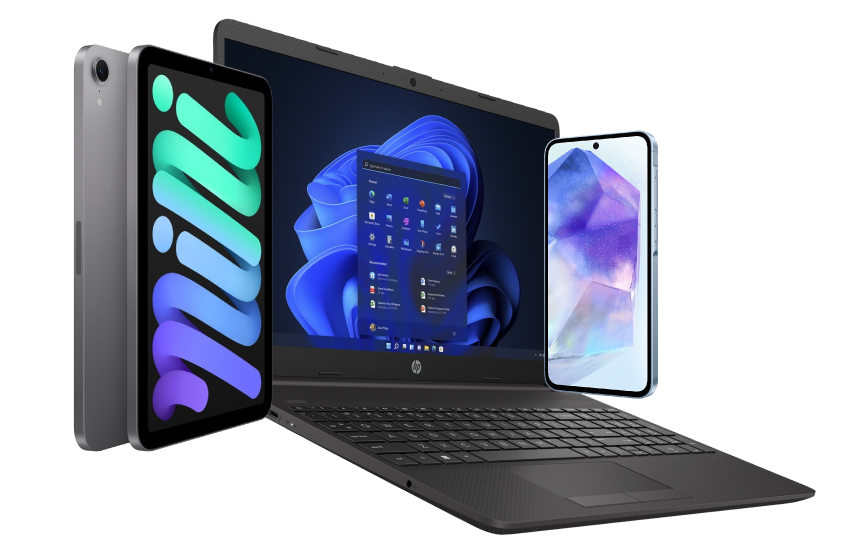
The HP 255 Laptop keeps up with hybrid workstyles with a thin and light design and 85 percent screen-to-body-ratio.

Built for work and ready for fun
Complete projects with a robust AMD Ryzen™ processor, fast memory, SD card reader, and storage.

Be seen and heard with clarity
Effectively collaborate with an integrated camera and AI-based noise reduction with dual-array mics.

Let nothing stand in your way
Power through your day with Windows 11 Home and the powerful collaboration and connectivity features from HP.

Fast and efficient wireless LAN
The portability of your PC and the reliability of a fast connection determines where you can work. Get a fast and reliable connection in dense wireless environments with gigabit-speed Wi-Fi 6.

Be your best virtual self
Sometimes in life, only a face-to-face conversation will do. Thanks to the HP HD camera with wide dynamic range (WDR), you always come off looking your best during virtual conferences in bright and low light conditions.

Protection for minor spills
Help protect sensitive electronics and key components from minor spills with the spill-resistant keyboard.

Some devices may come with Windows 11 pre installed, but some may need manually updating to the latest version of Windows from Windows 10, 10s or 11s. It's easy and free to do in just 3 easy steps. Find out how by clicking here »

How To Easily Update Your Windows Laptop

Some devices may come with Windows 11 pre installed, but some may neeed manually updating to the latest version of Windows from Windows 10, 10s or 11s. It's easy and free to do in just 3 easy steps.

Windows 11 the most productive and secure version of windows yet with easy Navigation, easy organisation and faster performance. Windows 11 has all the power and security of past Windows verisions but with a redesigned and refrshed look. With new tools, sounds and apps that all come together to bring a new refreshing Windows experience.

1. Settings > On your device Select the start button, then click on settings.

2. Updates & Security > Click on Updates & Security.

3. Windows Update > Select check for updates. If updates are available, click instal to get the latest version of Windows.


You may also like

Recently viewed


Back to top