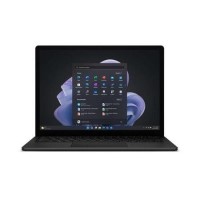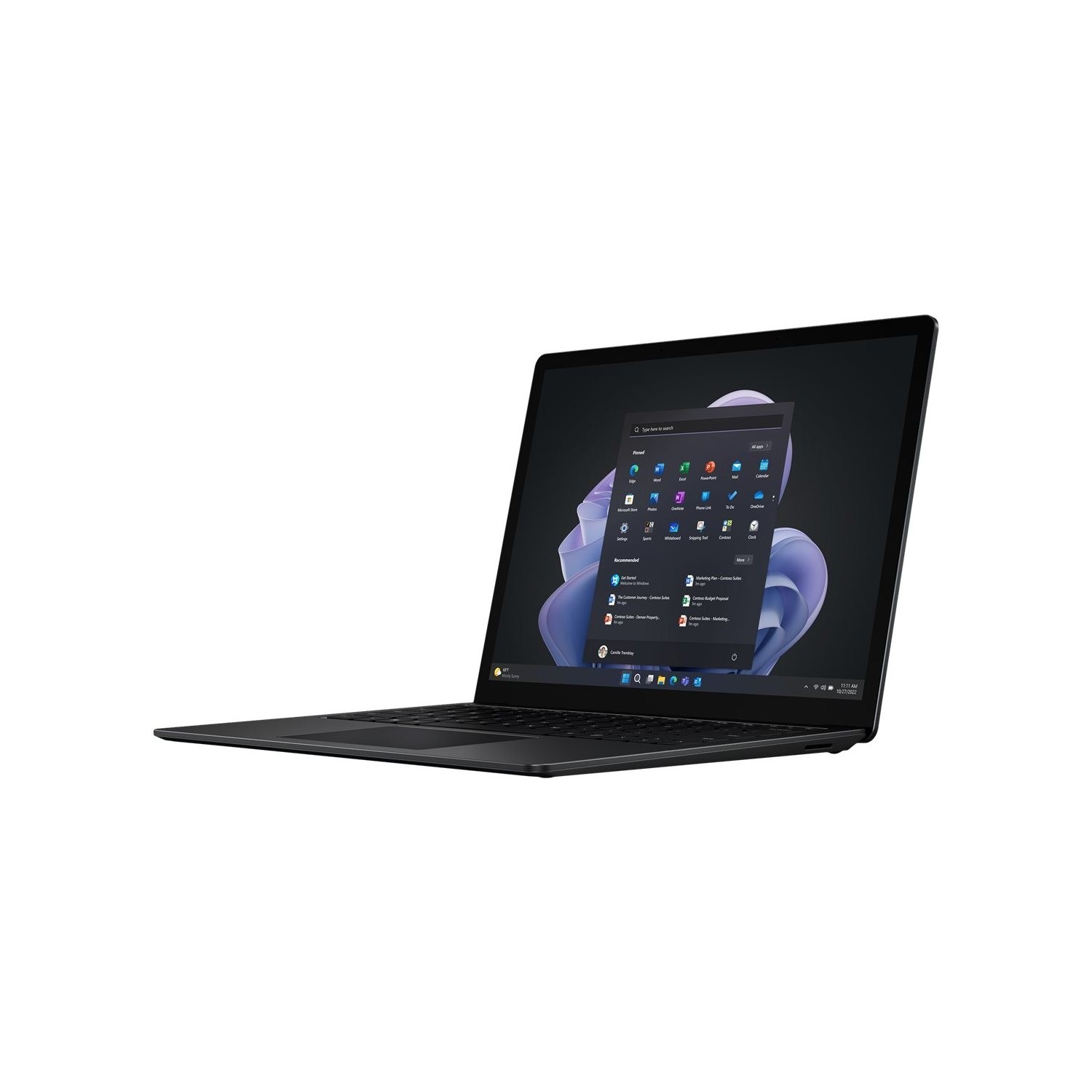





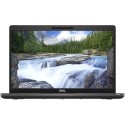
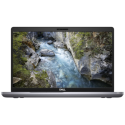



Very good condition - may display light cosmetic marks.


Save money
Enjoy significant savings without compromising on quality.

Reduce waste
Reduce electronic waste and lower your carbon footprint.

Extensively tested
Every refurbished device is rigorously tested and repaired by certified technicians.
BSI Kitemark Certified
This device meets the BSI Kitemark™ certification standards, guaranteeing its quality and safety.

Warranty included
This device is protected with a warranty covering both parts and labour.
Performance & Platform
12th Gen Intel Core i7-1265U
Built on the Intel Evo platform for responsive multitasking and efficient power usage
16GB LPDDR5x RAM
High-bandwidth memory for seamless app switching and heavy workloads
512GB Removable SSD
Fast boot times and ample storage with upgrade flexibility
Display & Design
13.5" PixelSense™ Touchscreen
2256 x 1504 resolution with 3:2 aspect ratio for optimal productivity
Individually color-calibrated with sRGB & Vivid profiles
Supports Dolby Vision IQ for rich media experiences
Gorilla Glass 3 or 5 (depending on finish)
Durable and sleek—available in Alcantara® or metal finishes
Audio & Video
Studio Mics + Enhanced Camera
Clear video calls and voice capture, powered by Windows 11
Dolby Atmos support
Immersive sound for meetings, media, and multitasking
Security & OS
Enterprise-grade security, remote desktop, and BitLocker encryption
Firmware TPM 2.0
Hardware-based protection for sensitive data
What's In The Box?
- Laptop
- Power Adaptor
When setting up your new unit you will need to activate your Microsoft License Key. Follow the simple step by step guide to find out how to do so, it is really quick and easy to do!
How to activate your Microsoft License Key »