

















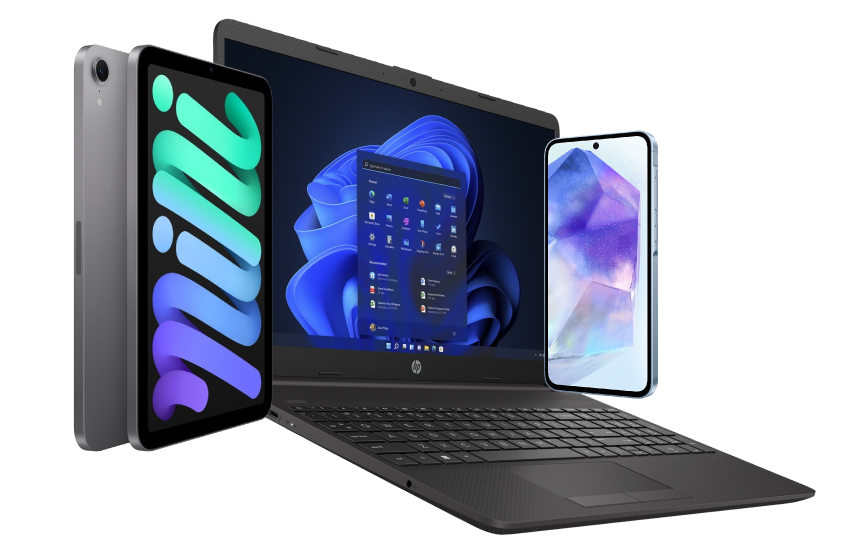






Very good condition - may display light cosmetic marks.


Save money
Enjoy significant savings without compromising on quality.

Reduce waste
Reduce electronic waste and lower your carbon footprint.

Extensively tested
Every refurbished device is rigorously tested and repaired by certified technicians.
BSI Kitemark Certified
This device meets the BSI Kitemark™ certification standards, guaranteeing its quality and safety.

Warranty included
This device is protected with a warranty covering both parts and labour.
Elevate Your Professional Experience with the Dell Latitude 5490
Unleash your productivity potential with the Dell Latitude 5490 laptop, engineered to meet the demands of modern professionals. Featuring a powerful 8th generation Intel Core i7 processor and 16GB of RAM, this laptop delivers exceptional performance to handle your most demanding tasks with ease. Whether you're crunching numbers, running complex applications, or multitasking between projects, the Latitude 5490 ensures seamless performance and efficiency, empowering you to accomplish more in less time.
Sleek Design, Superior Mobility
Designed for professionals on the move, the Dell Latitude 5490 combines sleek aesthetics with superior mobility to enhance your work experience wherever you go. With its slim and lightweight design, this laptop offers effortless portability without sacrificing performance or durability. Whether you're working from the office, a coffee shop, or on the road, the Latitude 5490 provides the flexibility and versatility you need to stay productive and connected throughout your day.
Enhanced Security, Enhanced Peace of Mind
Protect your valuable data and sensitive information with the advanced security features of the Dell Latitude 5490. Equipped with Windows 11 Professional and robust security solutions like Windows Hello facial recognition and BitLocker encryption, this laptop offers enhanced protection against cyber threats and unauthorized access.
Immersive Visuals, Superior Connectivity
Experience immersive visuals and superior connectivity with the Dell Latitude 5490's vibrant 14-inch display. Featuring a Full HD resolution and anti-glare technology, this display delivers crisp, clear visuals with vibrant colors and sharp details, perfect for viewing documents, presentations, and multimedia content with stunning clarity. Plus, with a variety of ports including USB, HDMI, and Ethernet, you can easily connect to external devices and peripherals, ensuring seamless communication and collaboration with colleagues and clients.
Reliable Performance, Unwavering Durability
Built to withstand the rigors of daily use, the Dell Latitude 5490 features a durable chassis and reliable components that ensure long-lasting performance and durability. With its robust construction and dependable design, this laptop is engineered to withstand the challenges of everyday use, providing you with the reliability and peace of mind to focus on your work without worrying about performance issues or system failures. Experience the power, reliability, and security of the Dell Latitude 5490 and elevate your professional experience to new heights.
What's In The Box?
- Laptop
- Power Adaptor
When setting up your new unit you will need to activate your Microsoft License Key. Follow the simple step by step guide to find out how to do so, it is really quick and easy to do!
How to activate your Microsoft License Key »



